Descargar como PDF, PPTX

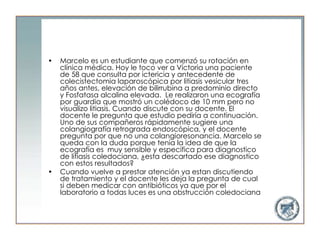


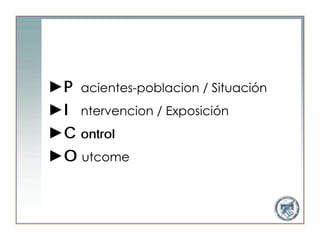
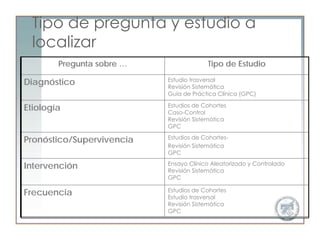
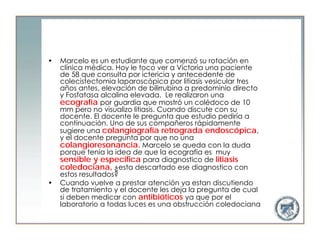










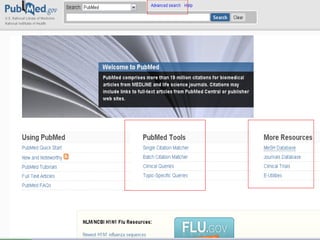
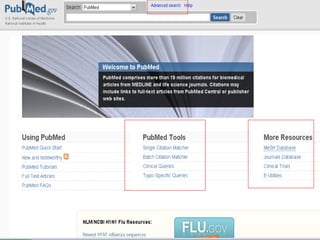
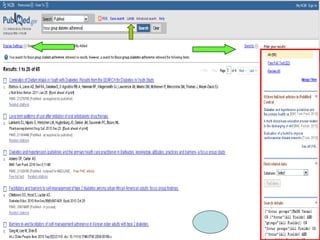
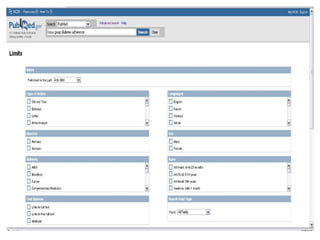
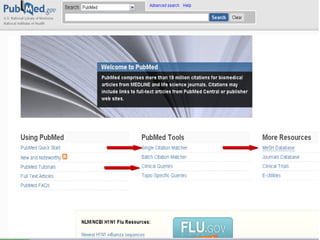


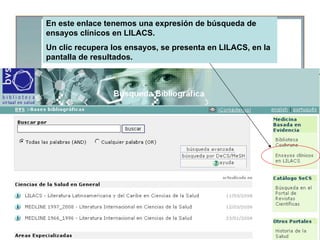



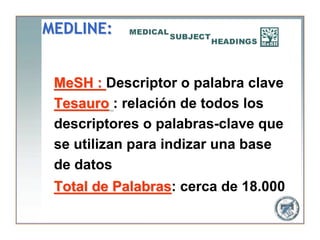

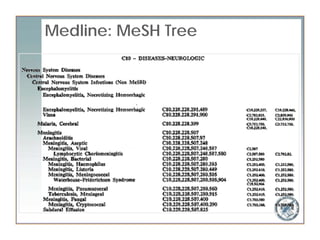





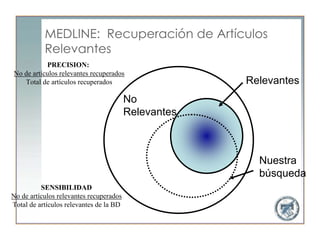

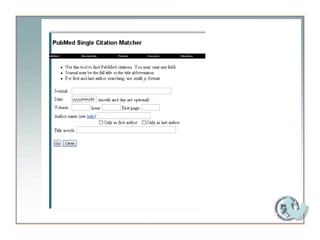
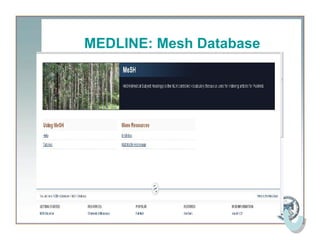
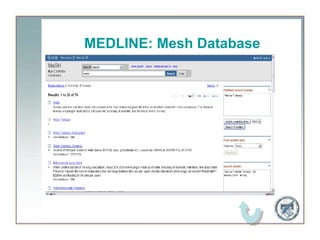
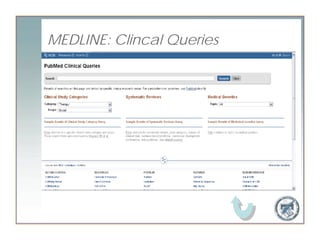

Here are the steps to use Clinical Queries in MEDLINE: 1. Go to PubMed (www.pubmed.gov) 2. Click on "Clinical Queries" on the left side menu. 3. Select the appropriate filter: - Therapy - Diagnosis - Etiology - Prognosis 4. Enter your search terms in the search box. You can use Medical Subject Headings (MeSH) terms or keywords. 5. Click "Search" 6. This will run your search using the Clinical Queries filter to retrieve systematic reviews, clinical studies, practice guidelines, etc. depending on the filter selected. 7. You can then review


