Descargar para leer sin conexión
![ESCUELA PREPARATORIA NO.8
“CARLOS CASTILLO PERAZA”
PROFESORA: MARIA DEL ROSARIO
RAYGOZA VELAZQUEZGRADO Y GRUPO:
1º IPRIMER SEMESTRE BLOQUE
Partes del Word
Brayan jesus narvaez santos
Alumnos
[Seleccione la fecha]
[Escribaaquí una descripciónbreve del documento.Normalmente,unadescripciónbreveesun
resumencortodel contenidodel documento.Escribaaquíunadescripciónbreve del documento.
Normalmente,unadescripciónbreve esunresumencortodel contenidodel documento.]](https://image.slidesharecdn.com/mgbzorxpt4szlox5e58v-signature-33cd66437c6a9773f8517f2a21996aa1409eea4e4a9d5fceb497a0af3ac75466-poli-141114182941-conversion-gate02/85/Las-ventanas-de-word-1-320.jpg)
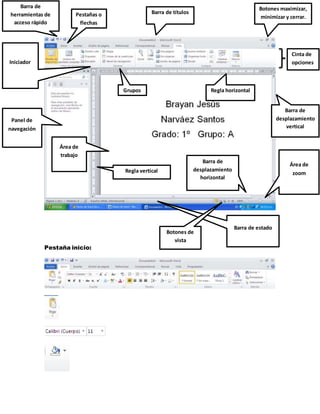
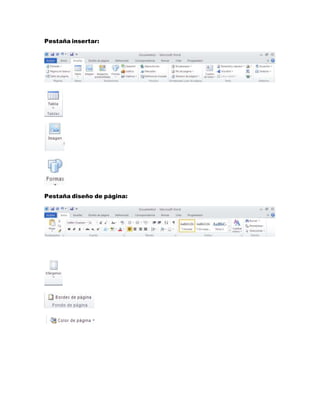
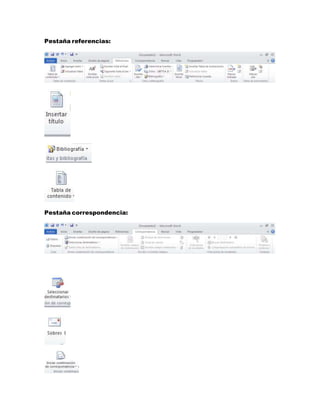
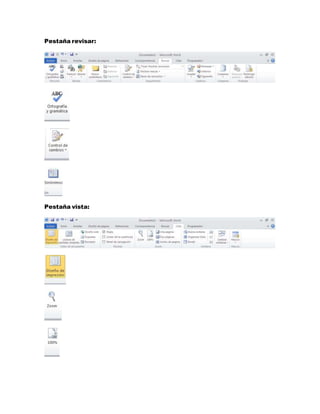
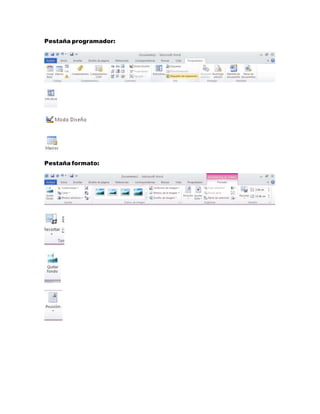
Este documento proporciona una breve descripción de las diferentes partes y pestañas del programa Microsoft Word, incluyendo la pestaña inicio, pestaña insertar, pestaña diseño de página, pestaña referencias, pestaña correspondencia, pestaña revisar, pestaña vista, pestaña programador y pestaña formato.


![Diapositivas de word[1]](https://cdn.slidesharecdn.com/ss_thumbnails/diapositivasdeword1-111124091248-phpapp02-thumbnail.jpg?width=640&height=640&fit=bounds)


