



















Intro a Sass.Por su amigo @leivajd
Drupaleada Julio 2013
José Leiva
leivajd.com / @leivajd
CSS es fácil, ¿verdad?
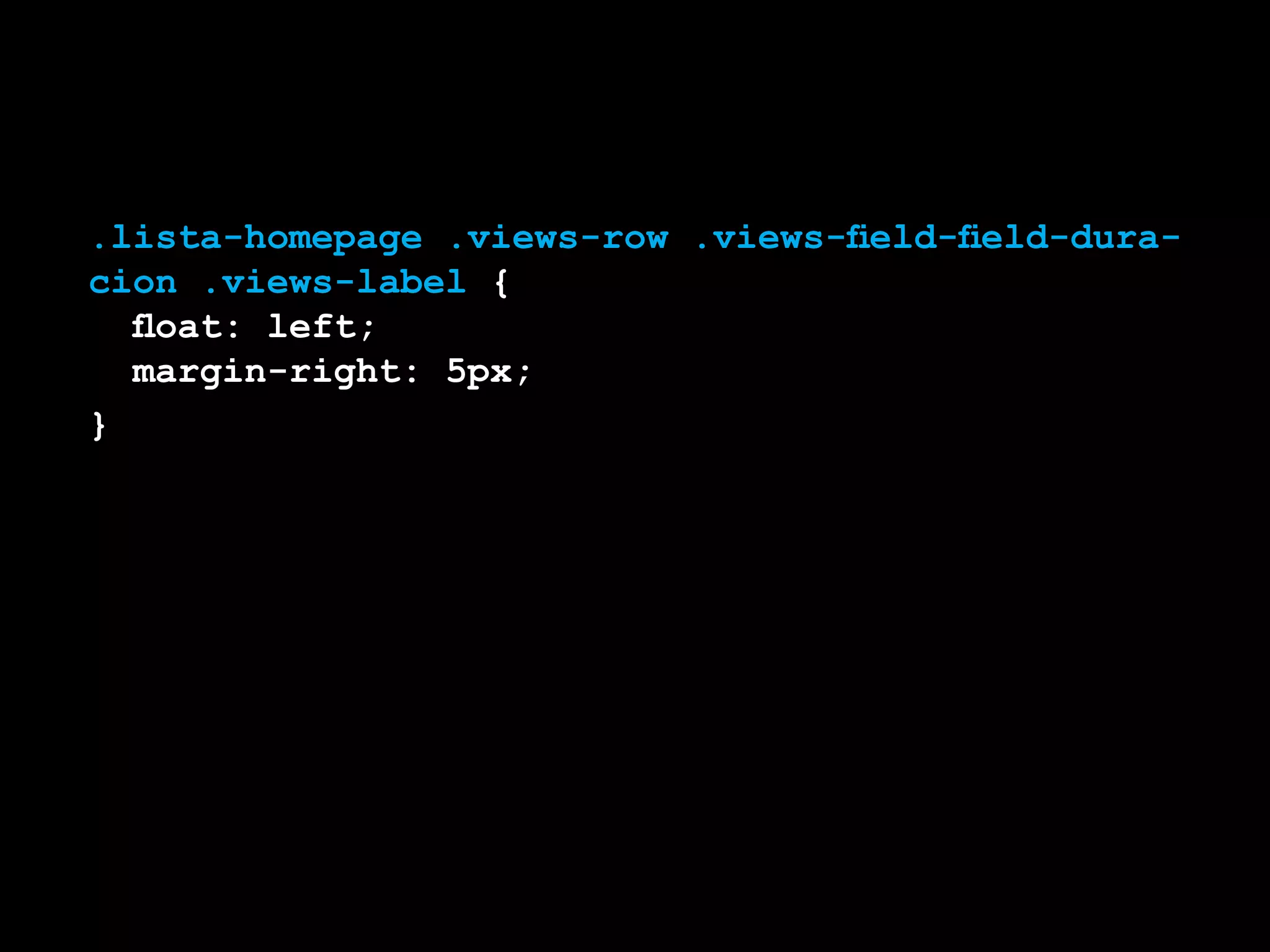
.lista-homepage .views-row .views-field-field-dura-
cion .views-label {
	 float: left;
	 margin-right: 5px;
}
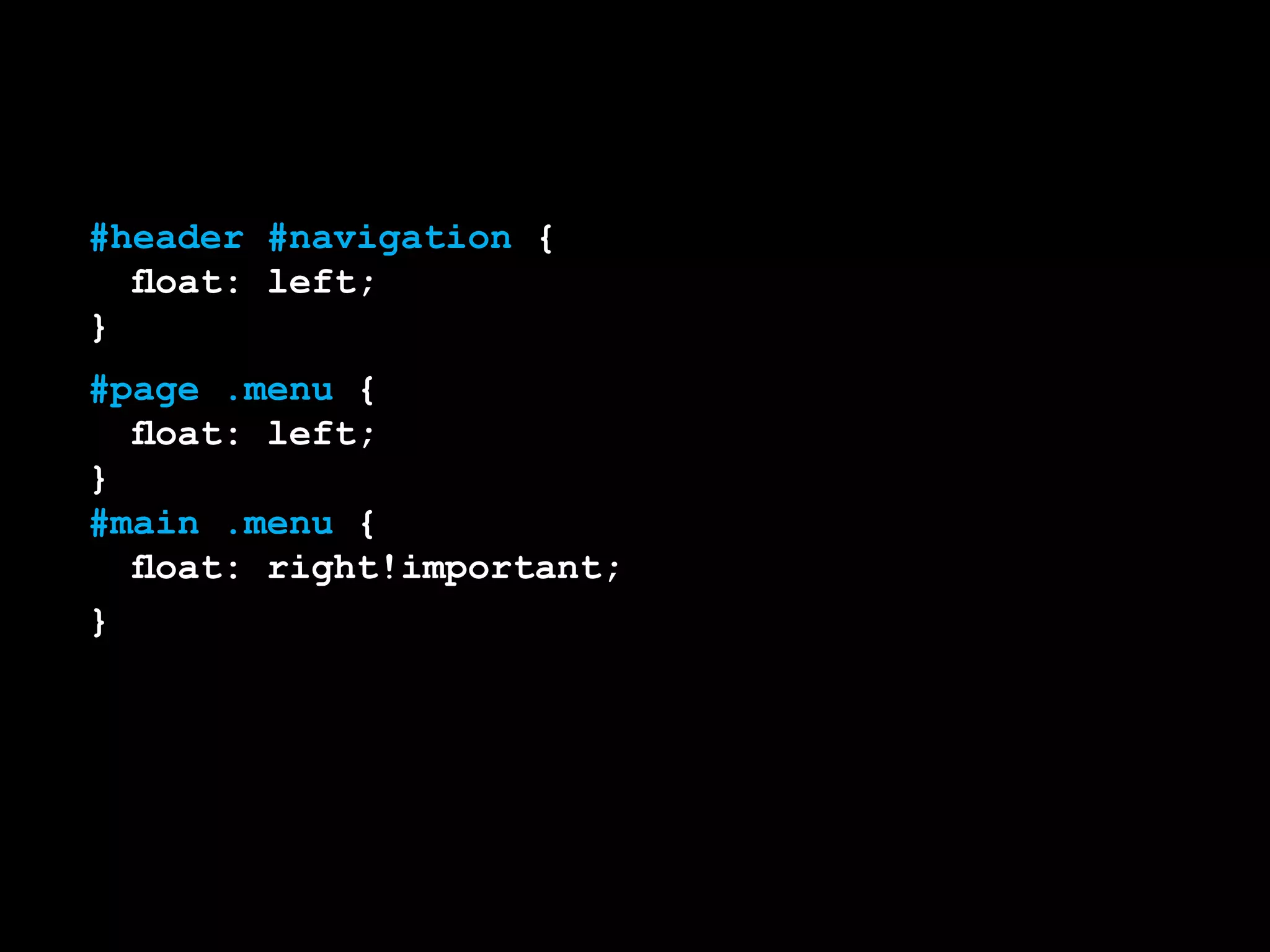
#header #navigation {
	 float: left;
}
#page .menu {
	 float: left;
}
#main .menu {
	 float: right!important;
}
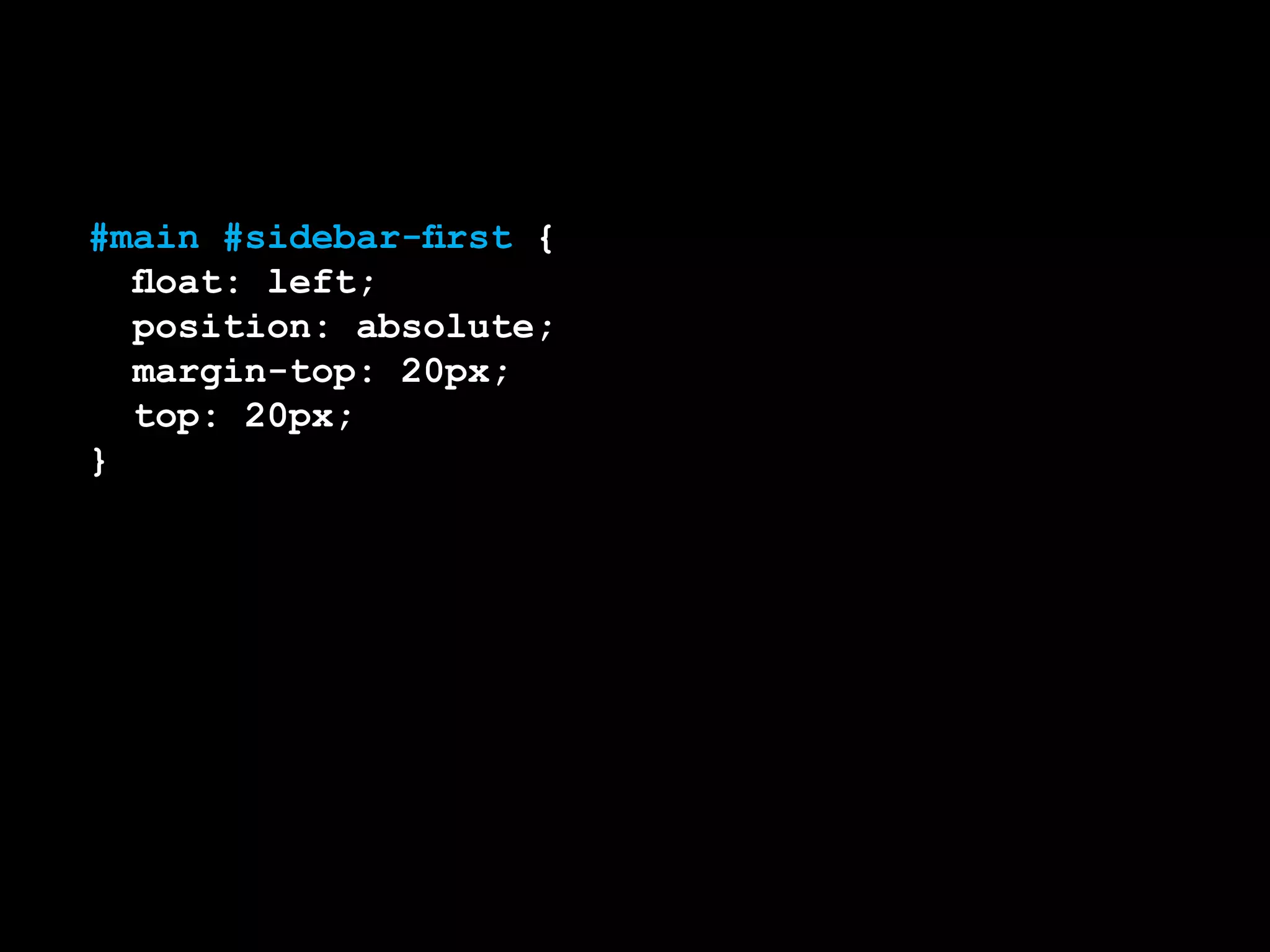
#main #sidebar-first {
	 float: left;
	 position: absolute;
	 margin-top: 20px;
	 top: 20px;
}
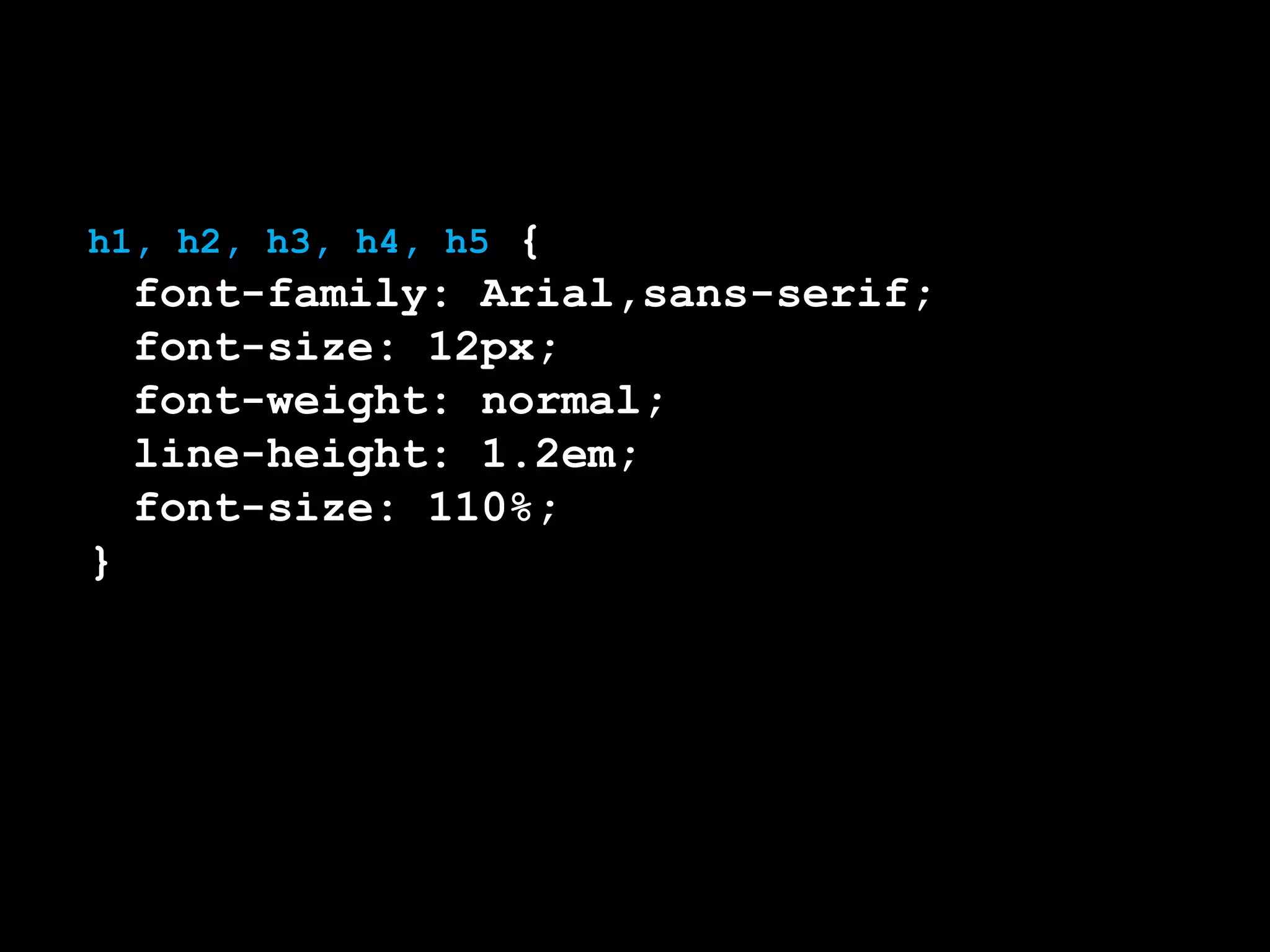
h1, h2, h3, h4, h5 {
	 font-family: Arial,sans-serif;
	 font-size: 12px;
	 font-weight: normal;
	 line-height: 1.2em;
	 font-size: 110%;
}
Cuando sabemos lo que
estamos haciendo.
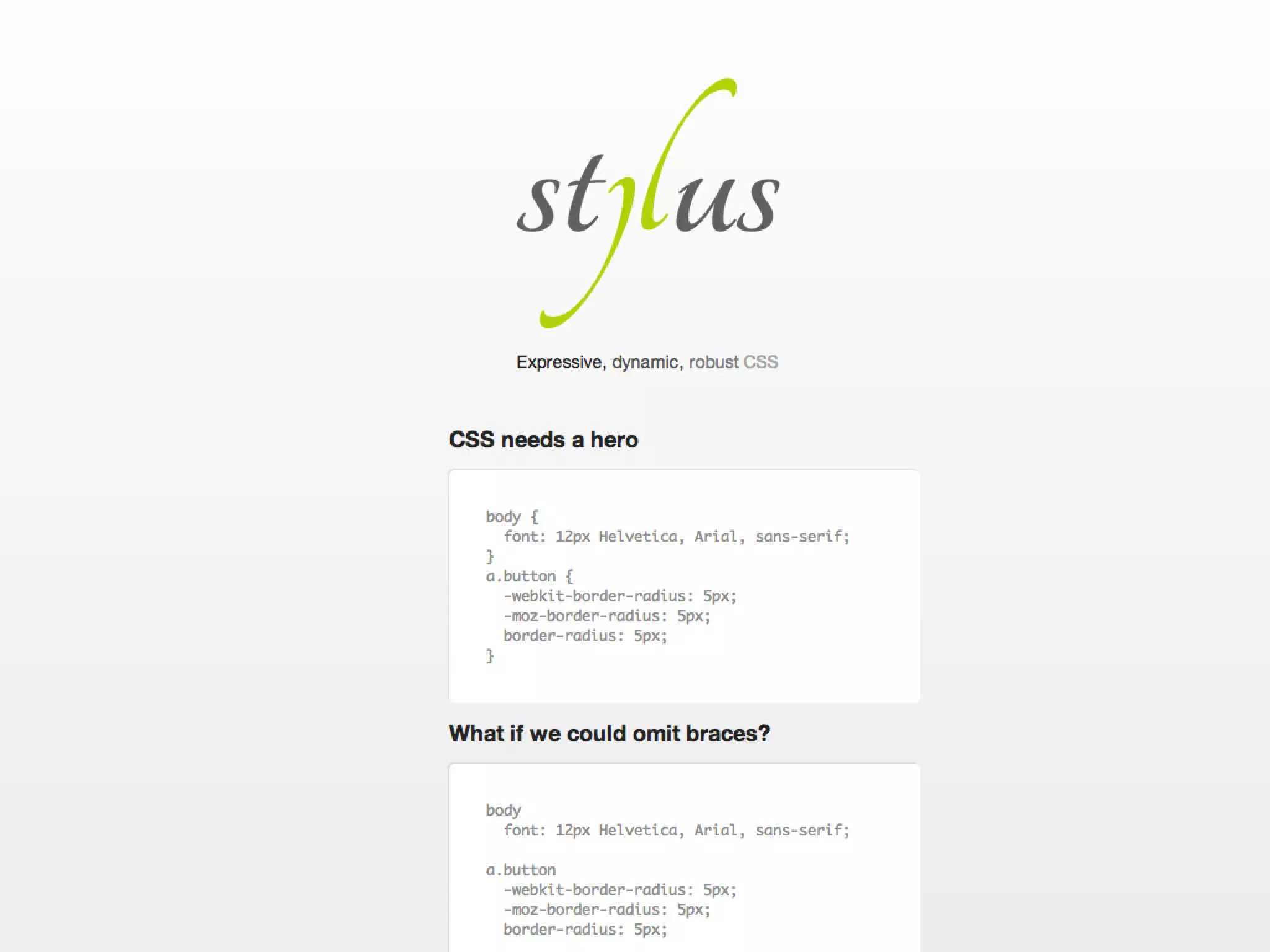
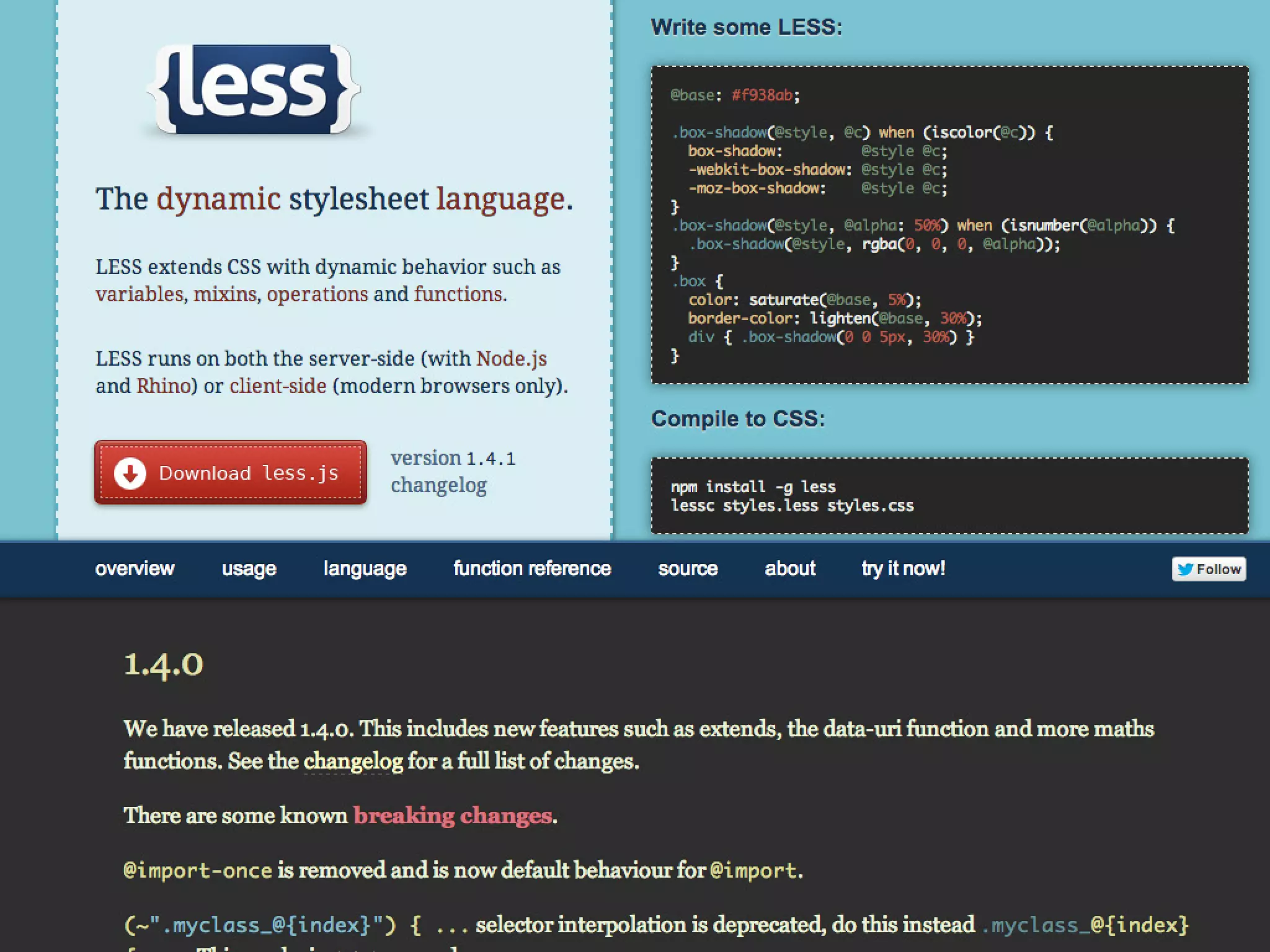
CSS PREPROCESSORS
1
titulo blanco
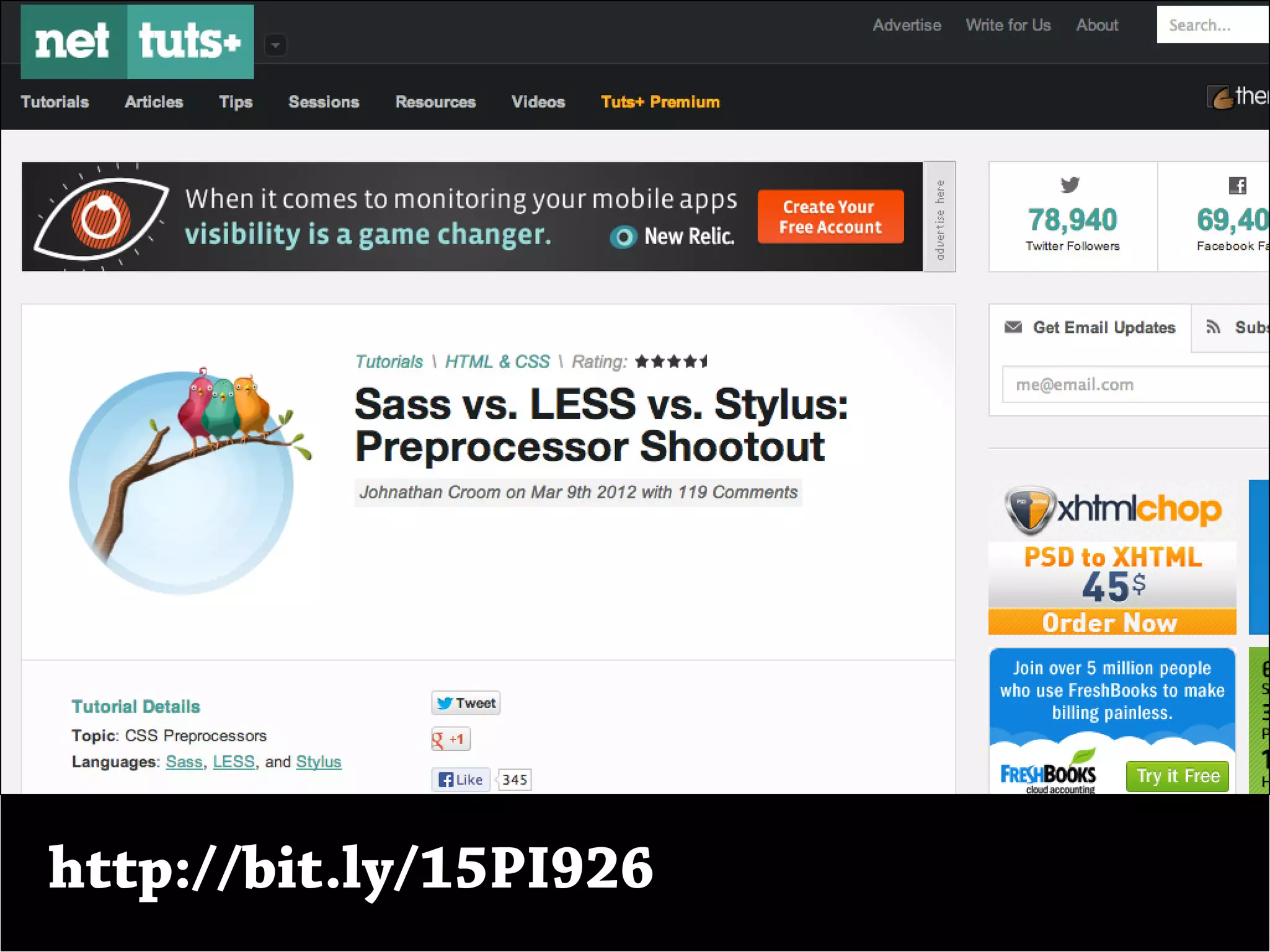
http://bit.ly/15PI926
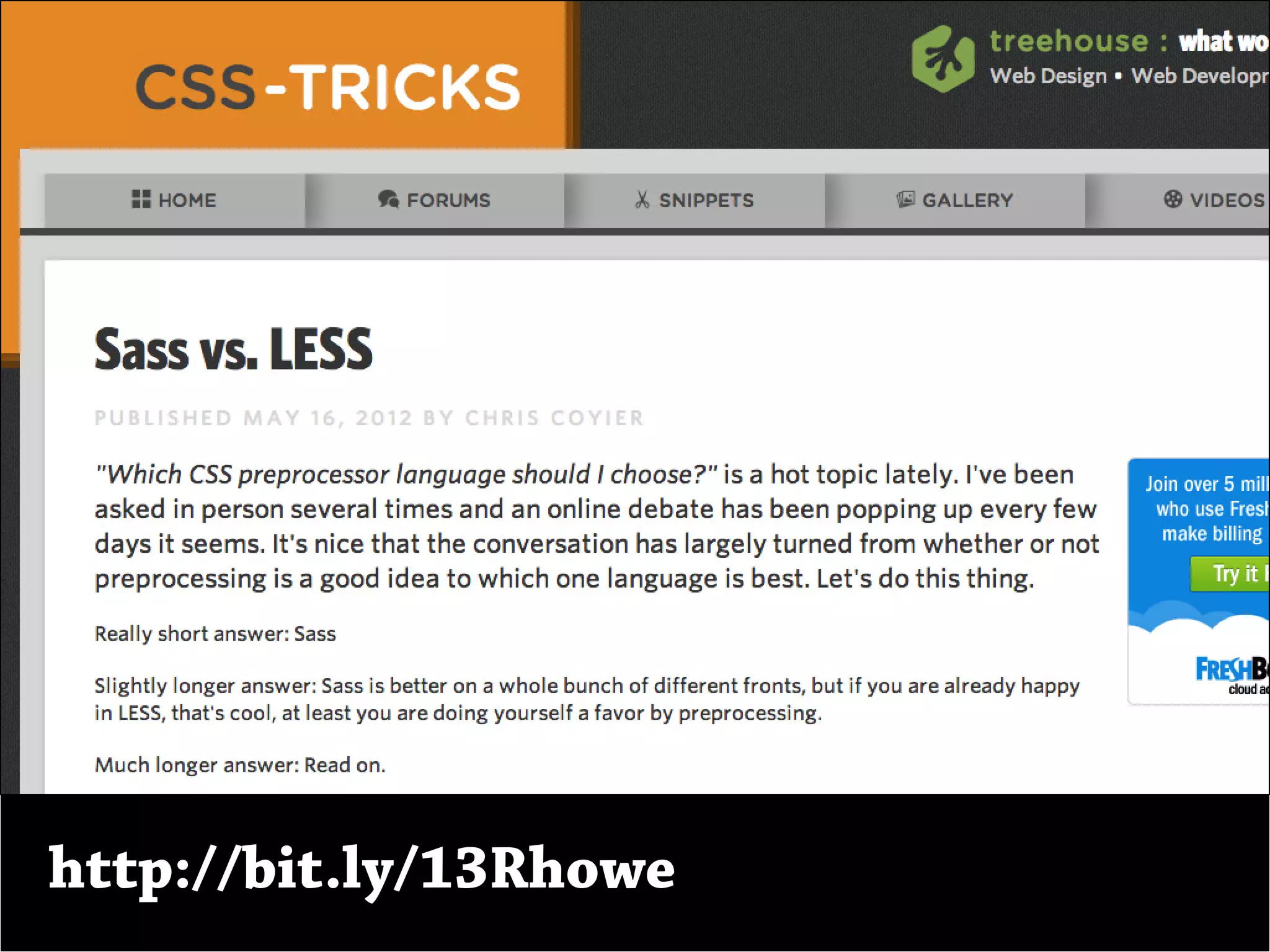
http://bit.ly/13Rhowe
¿Porqué usarlos?
2
Como no es CSS, no estamos atados a
las limitantes de CSS.
Como no es CSS, no estamos atados a
las limitantes de CSS.
Nesting, Variables, Mixins y Functions.
Flujo de trabajo rápido y eficiente.
DRI code, Variables / Mixins.
¿Funcionan con
Drupal?
3
Sí
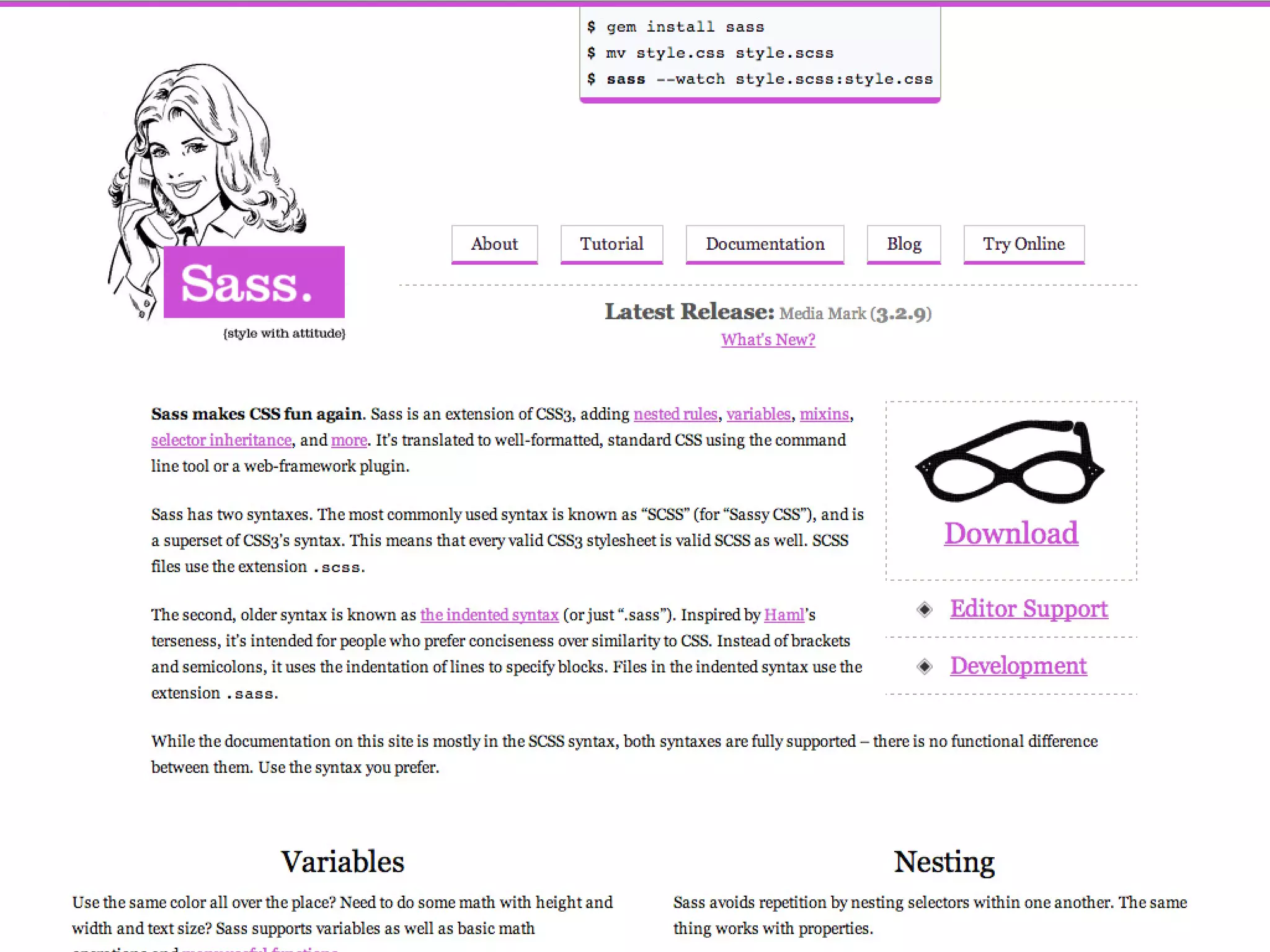
Sass
4
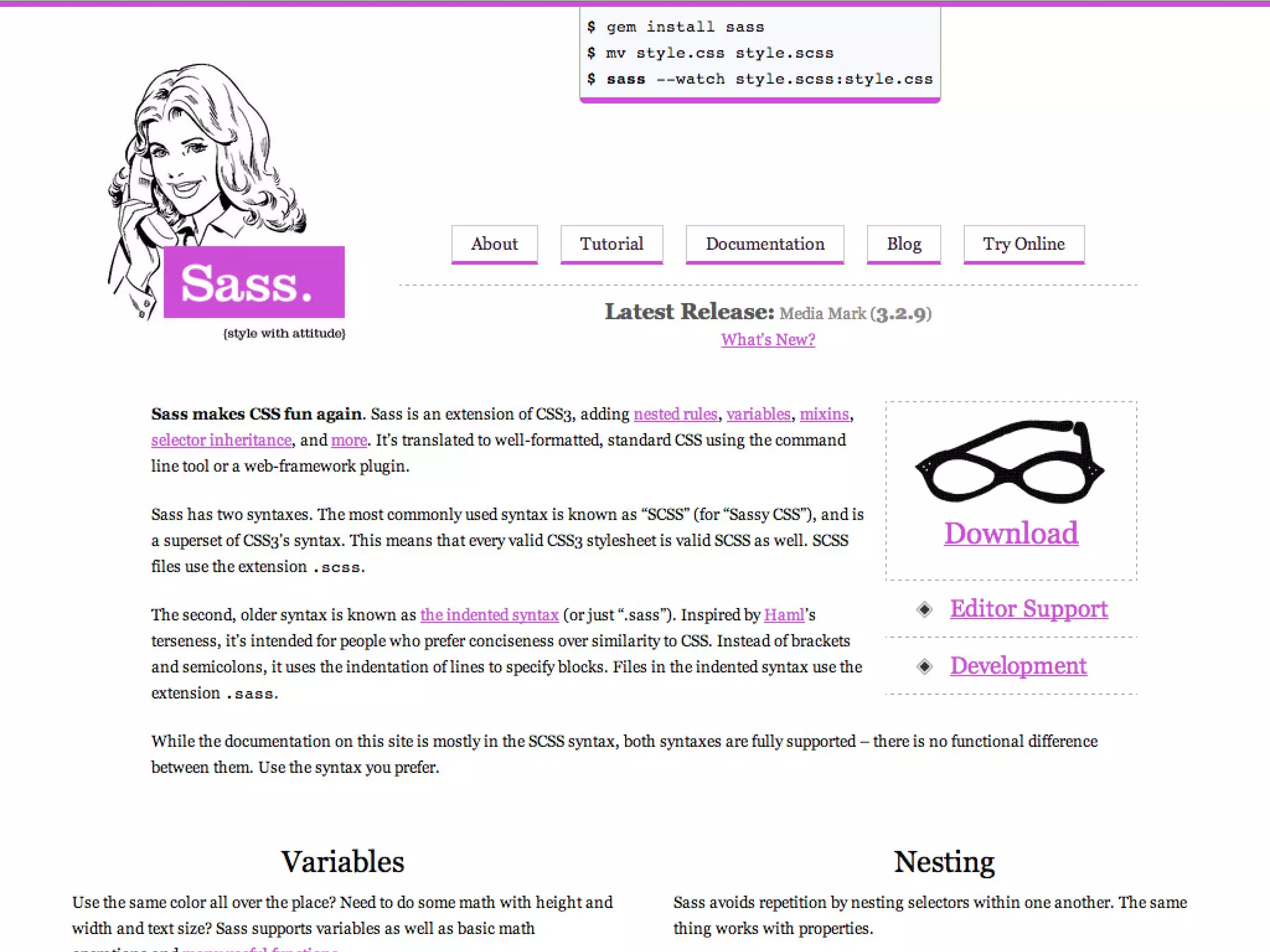
Sass = Syntactically Awesome Stylesheets
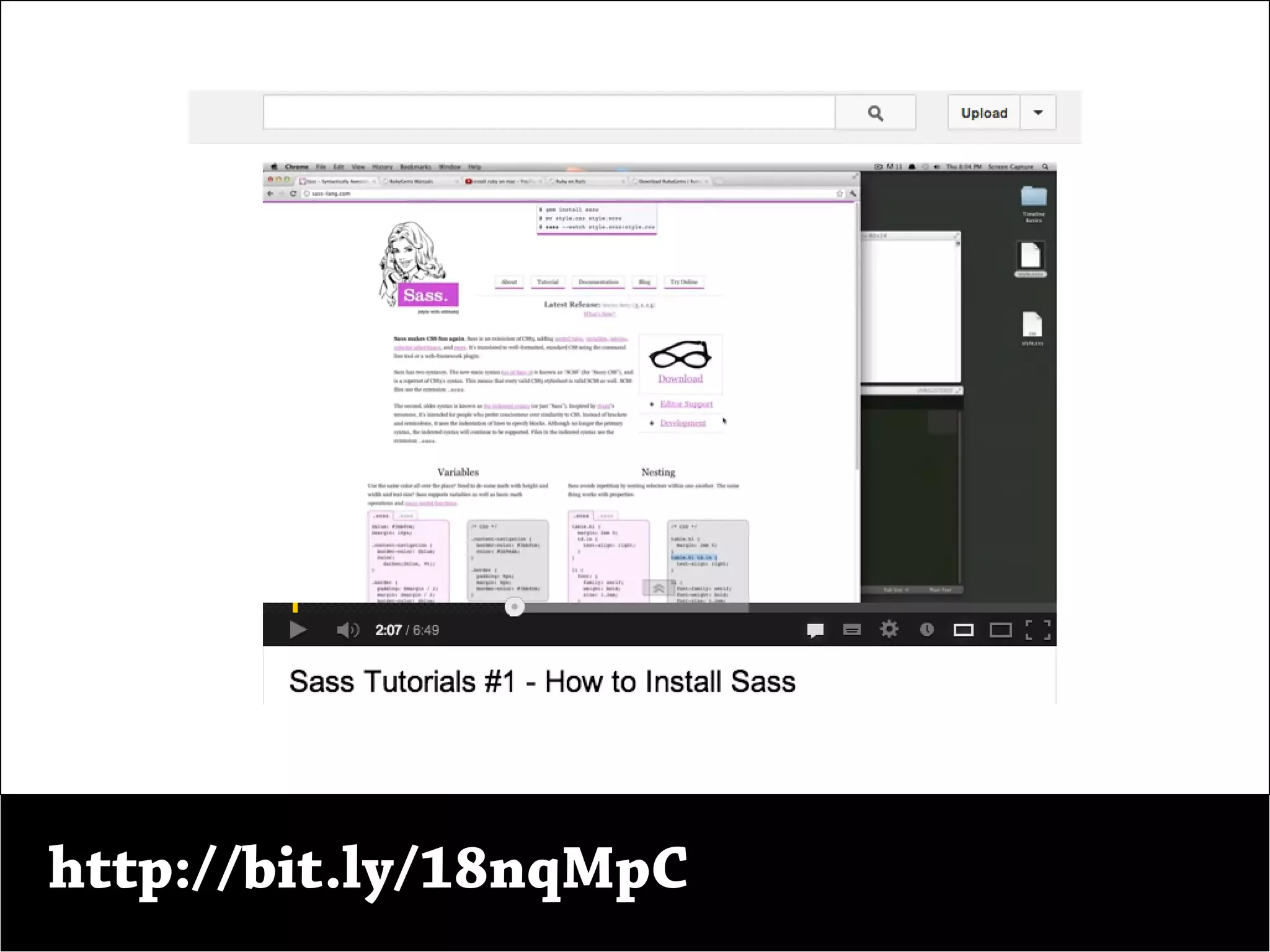
http://bit.ly/18nqMpC
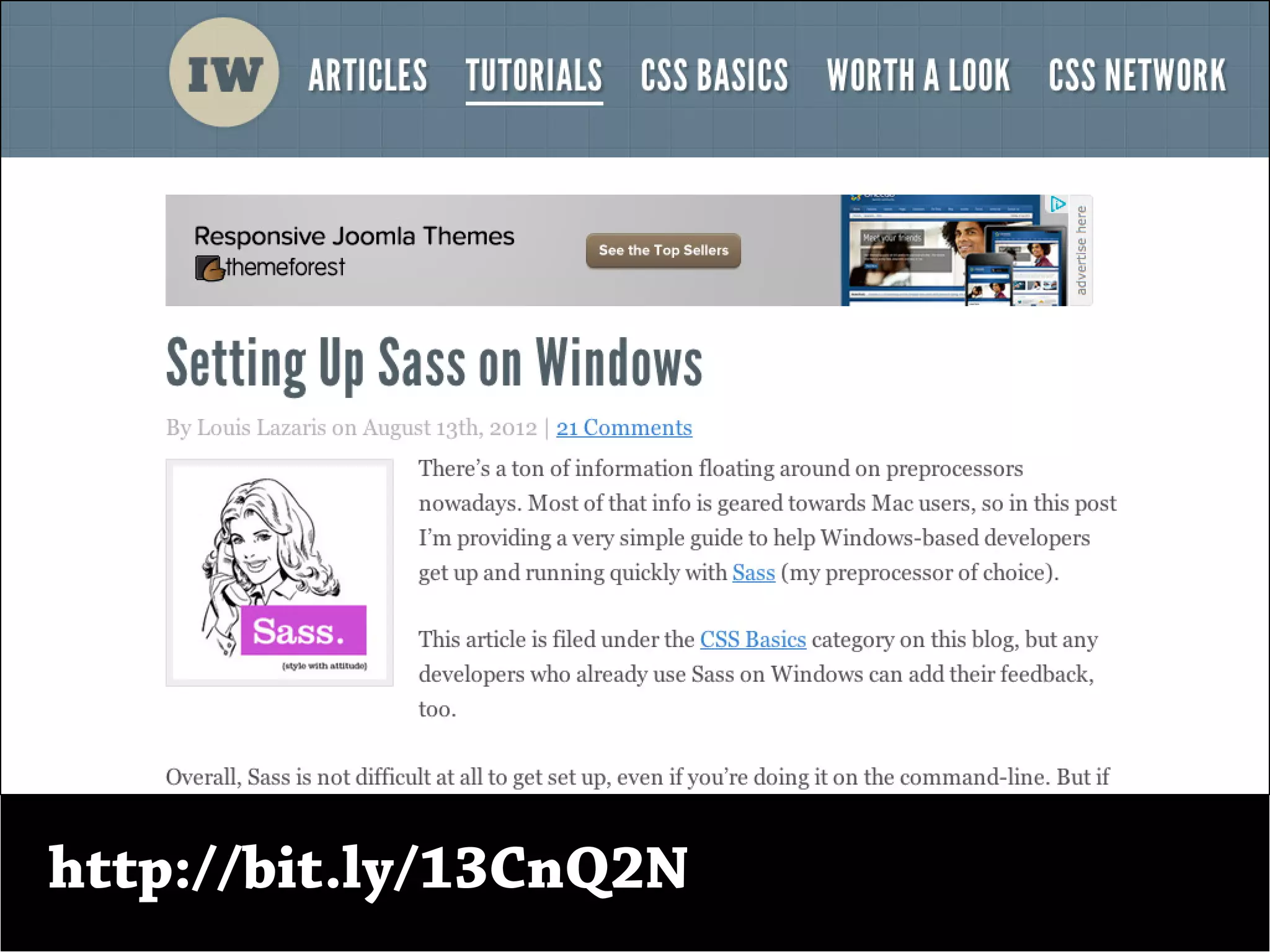
http://bit.ly/13CnQ2N
Sintaxis.
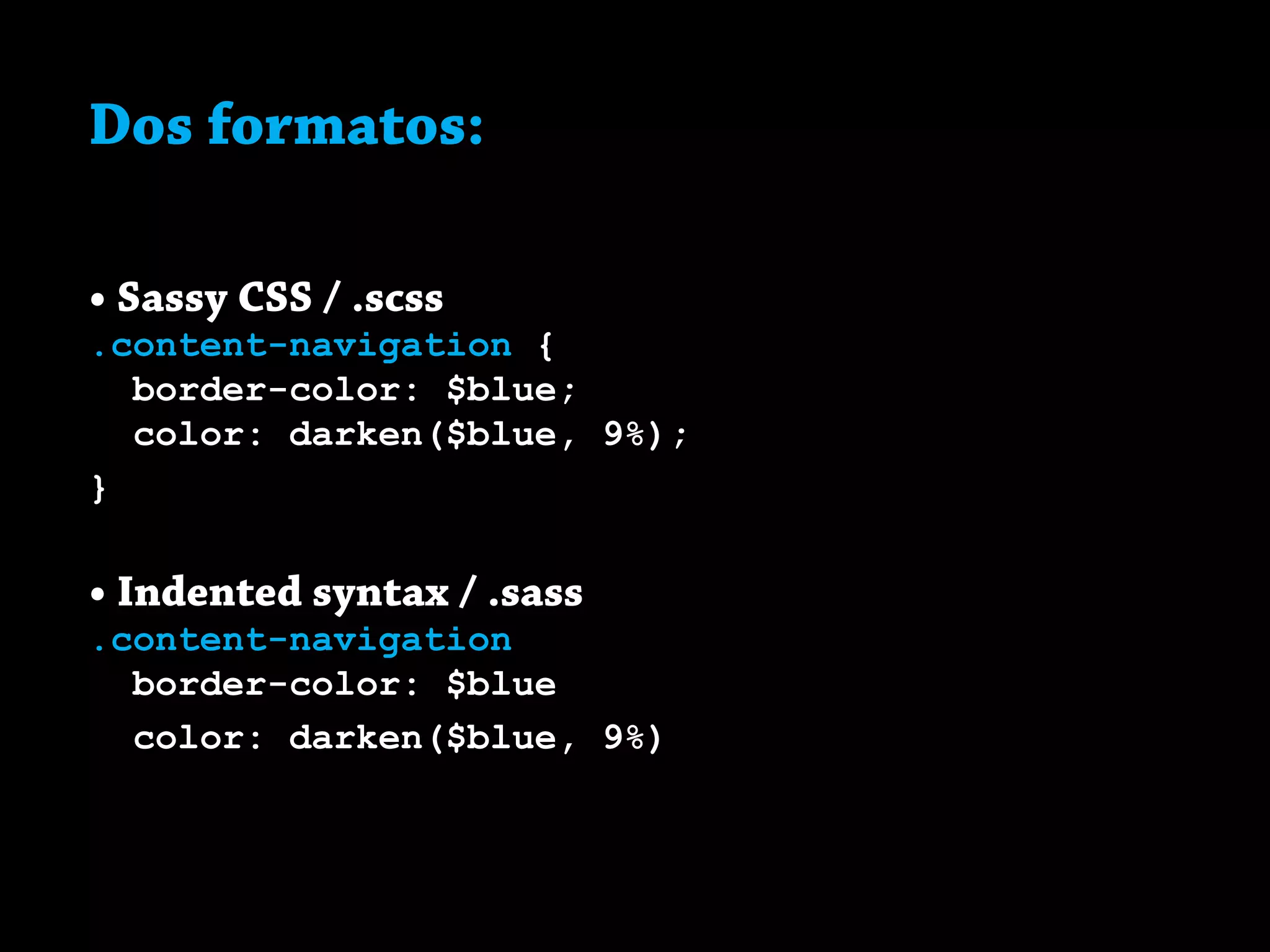
Dos formatos:
• Sassy CSS / .scss
.content-navigation {
border-color: $blue;
color: darken($blue, 9%);
}
• Indented syntax / .sass
.content-navigation
border-color: $blue
color: darken($blue, 9%)
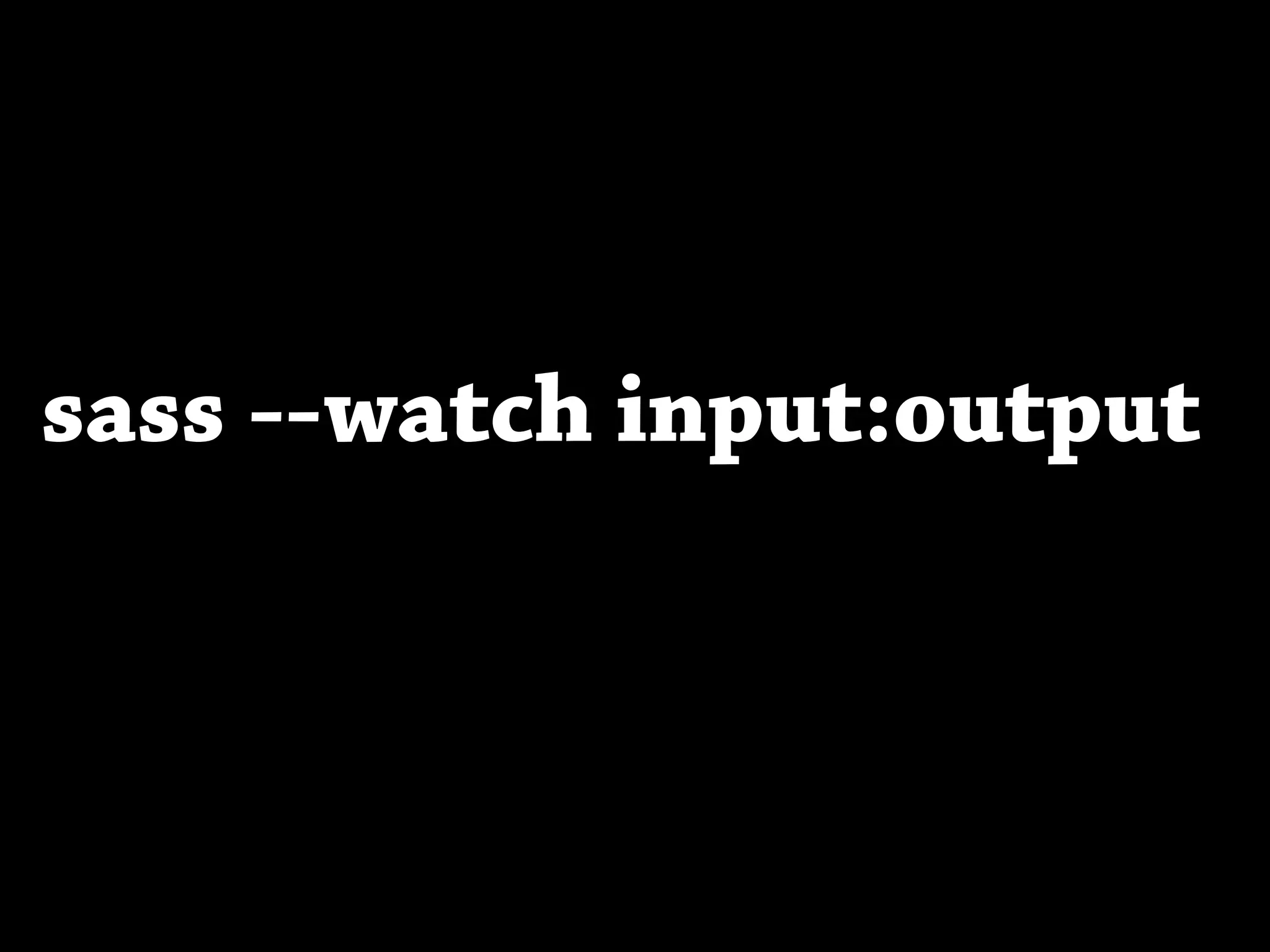
sass --watch input:output
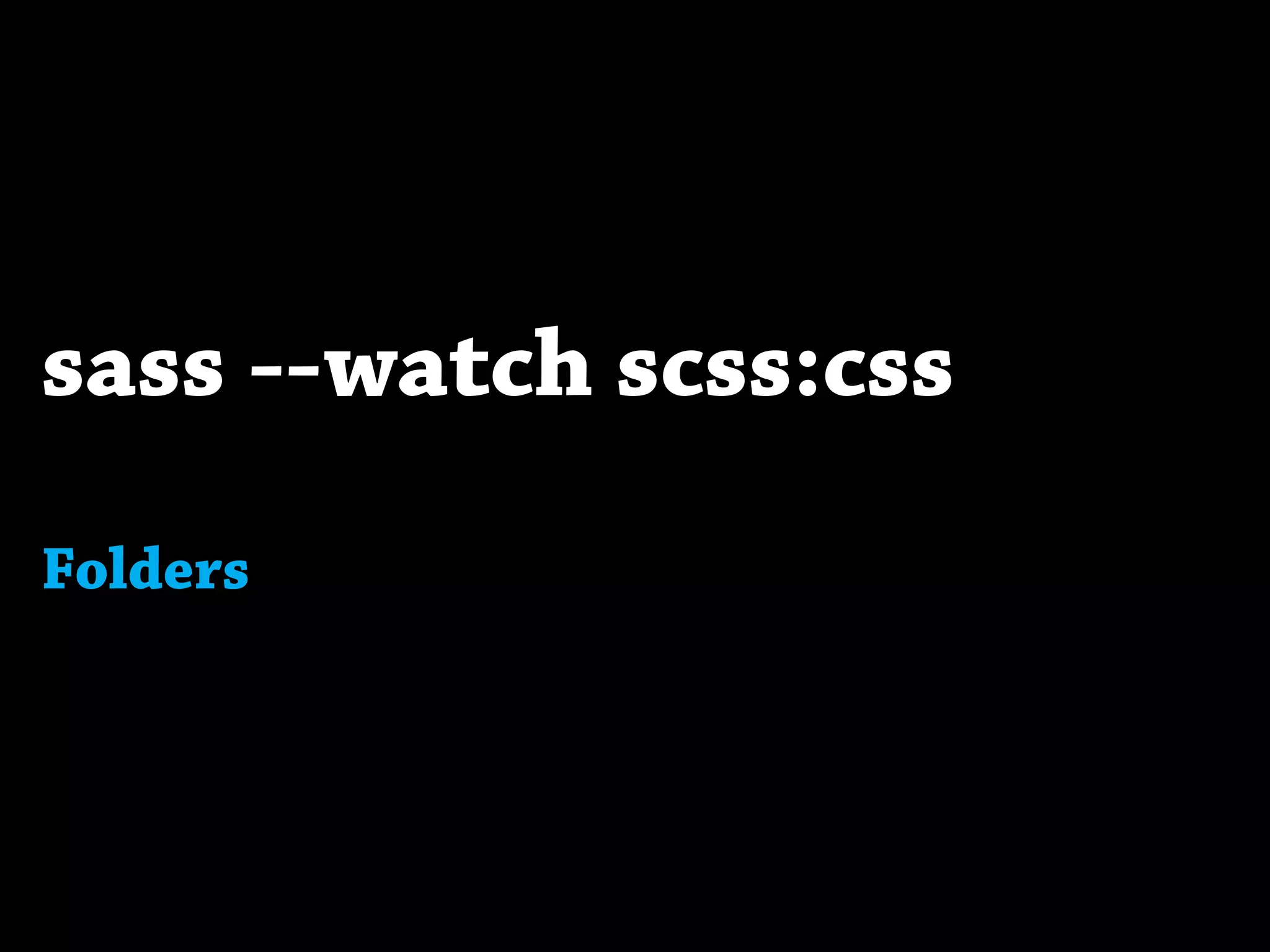
sass --watch scss:css
Folders
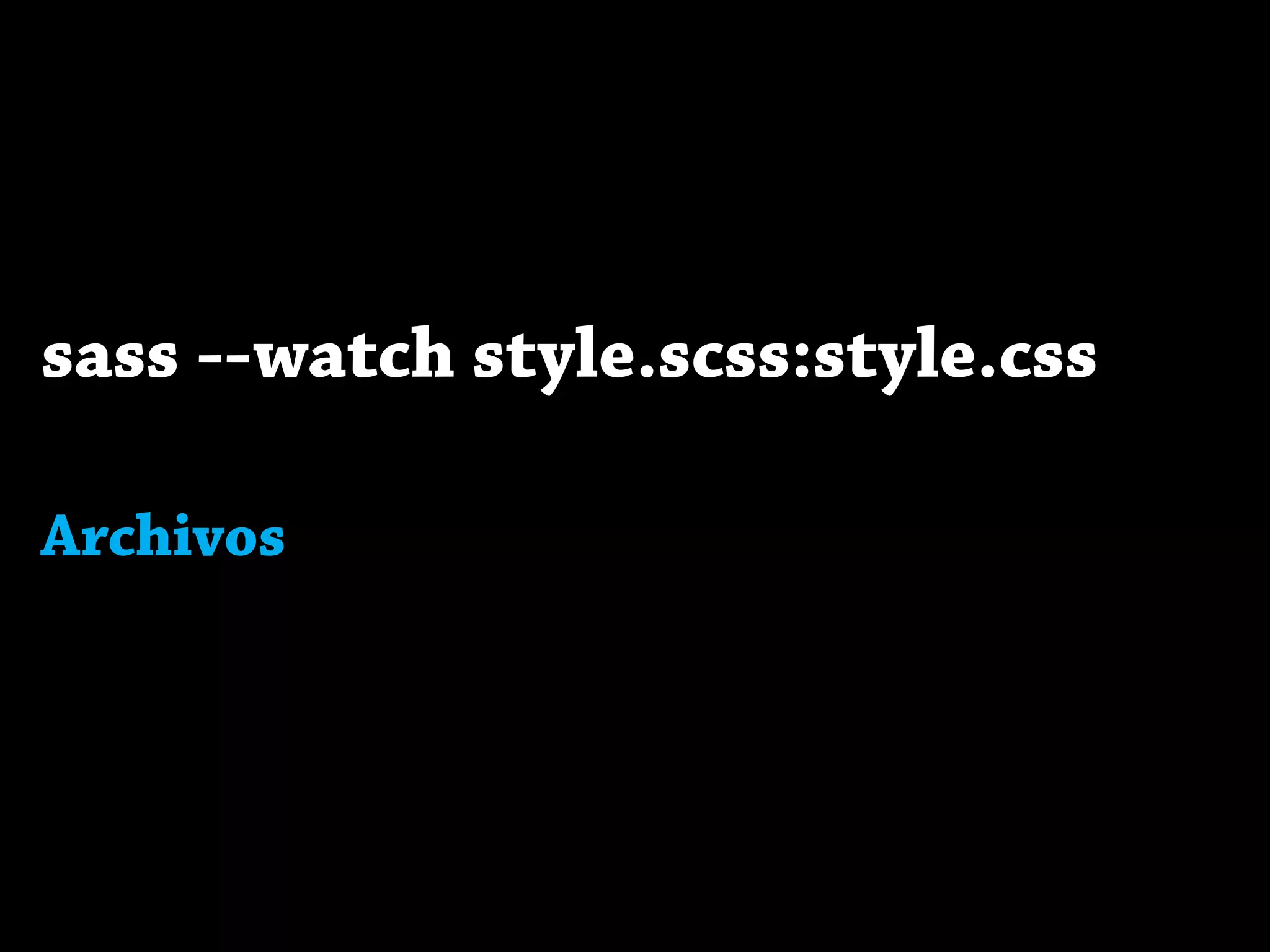
sass --watch style.scss:style.css
Archivos
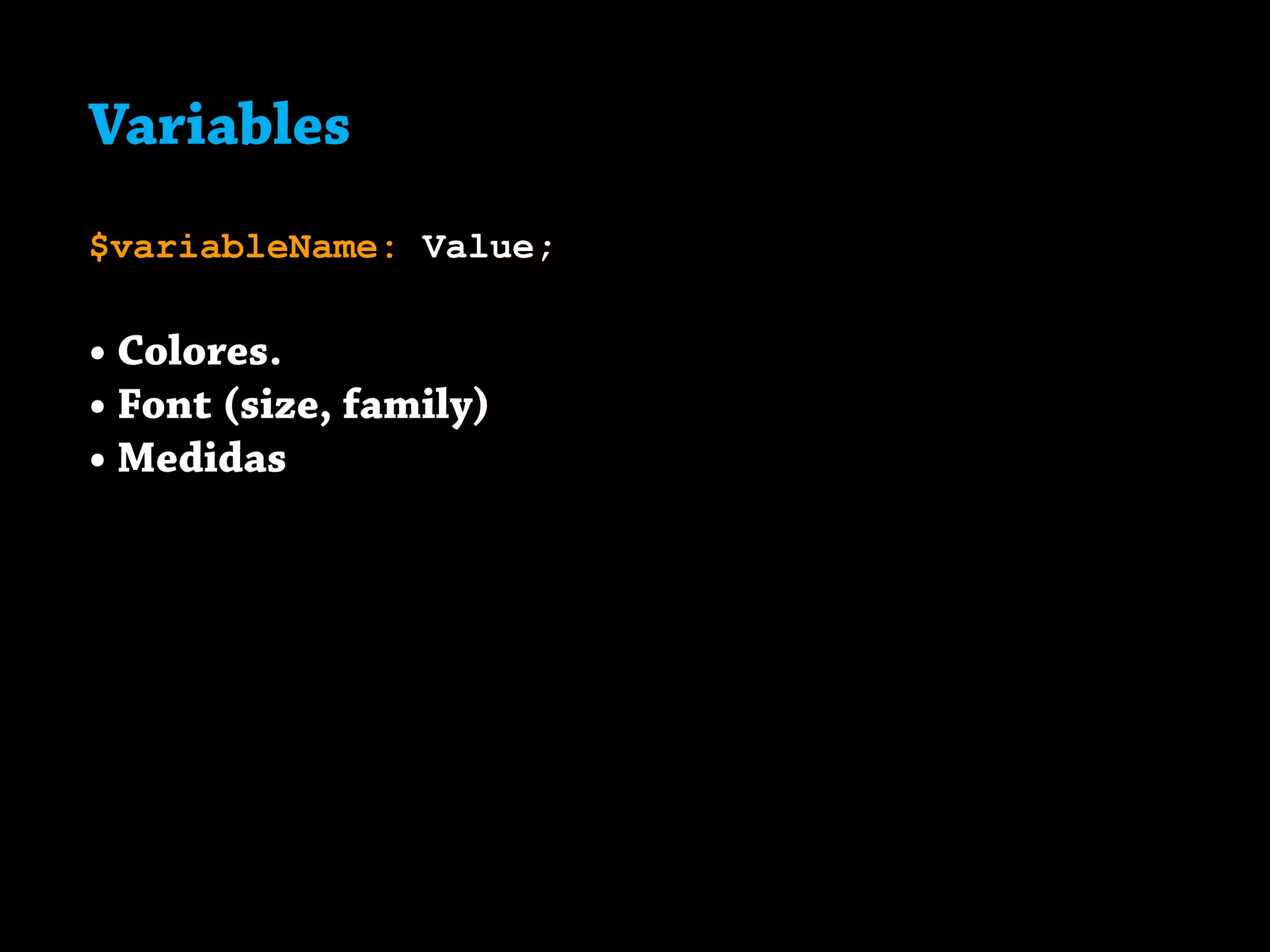
Variables.
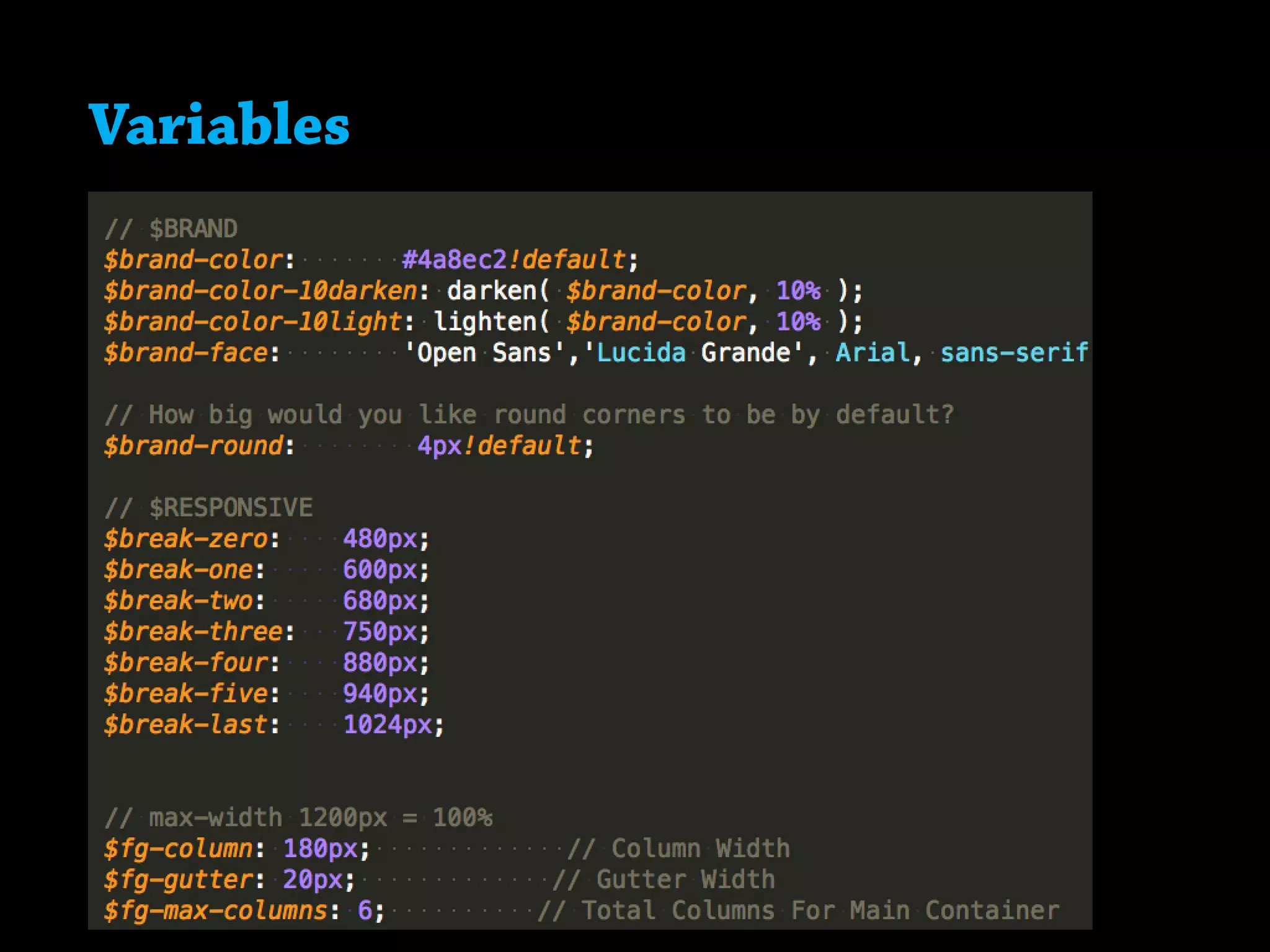
Variables
$variableName: Value;
• Colores.
• Font (size, family)
• Medidas
Variables
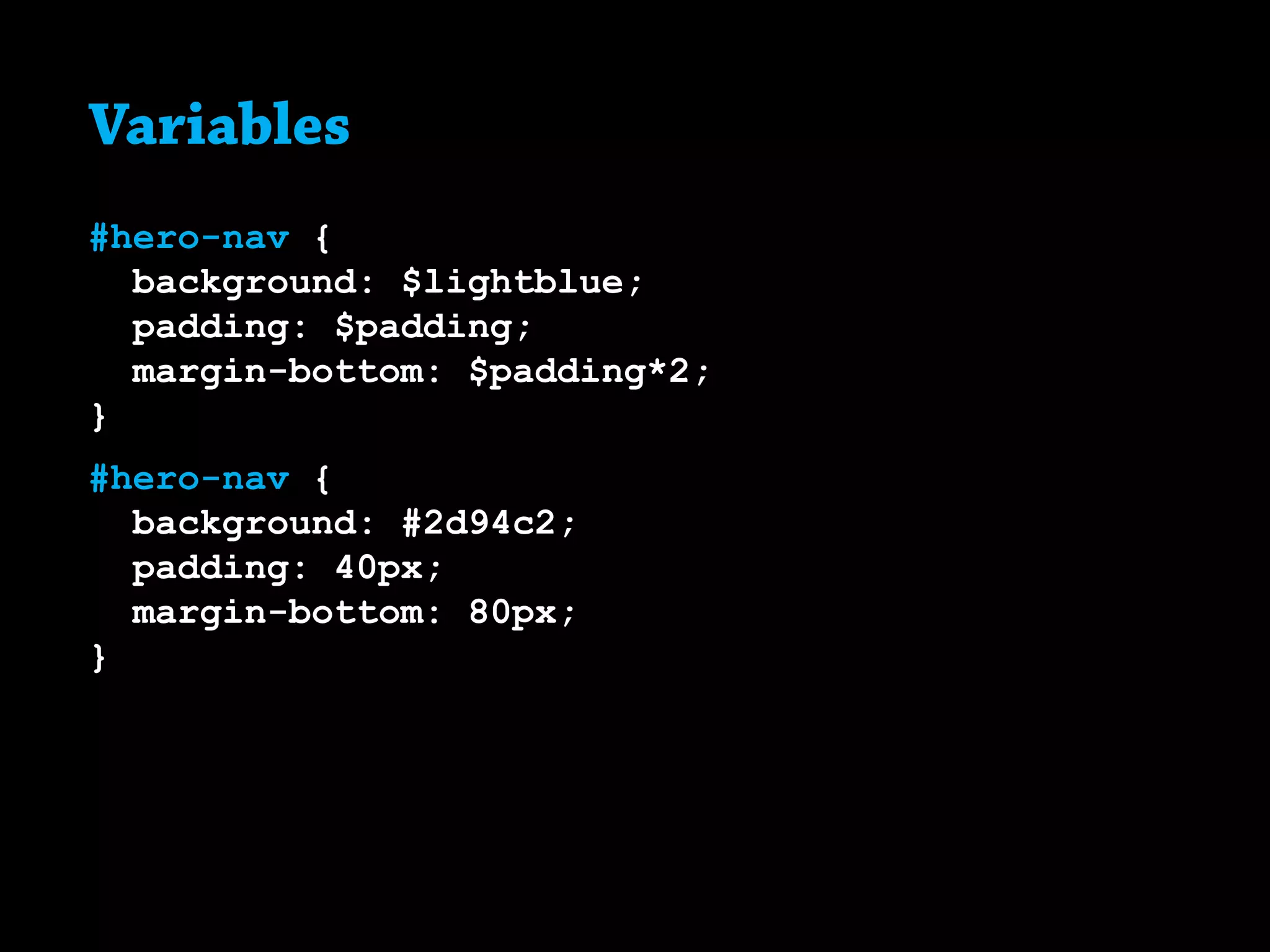
Variables
#hero-nav {
background: $lightblue;
padding: $padding;
margin-bottom: $padding*2;
}
#hero-nav {
background: #2d94c2;
padding: 40px;
margin-bottom: 80px;
}
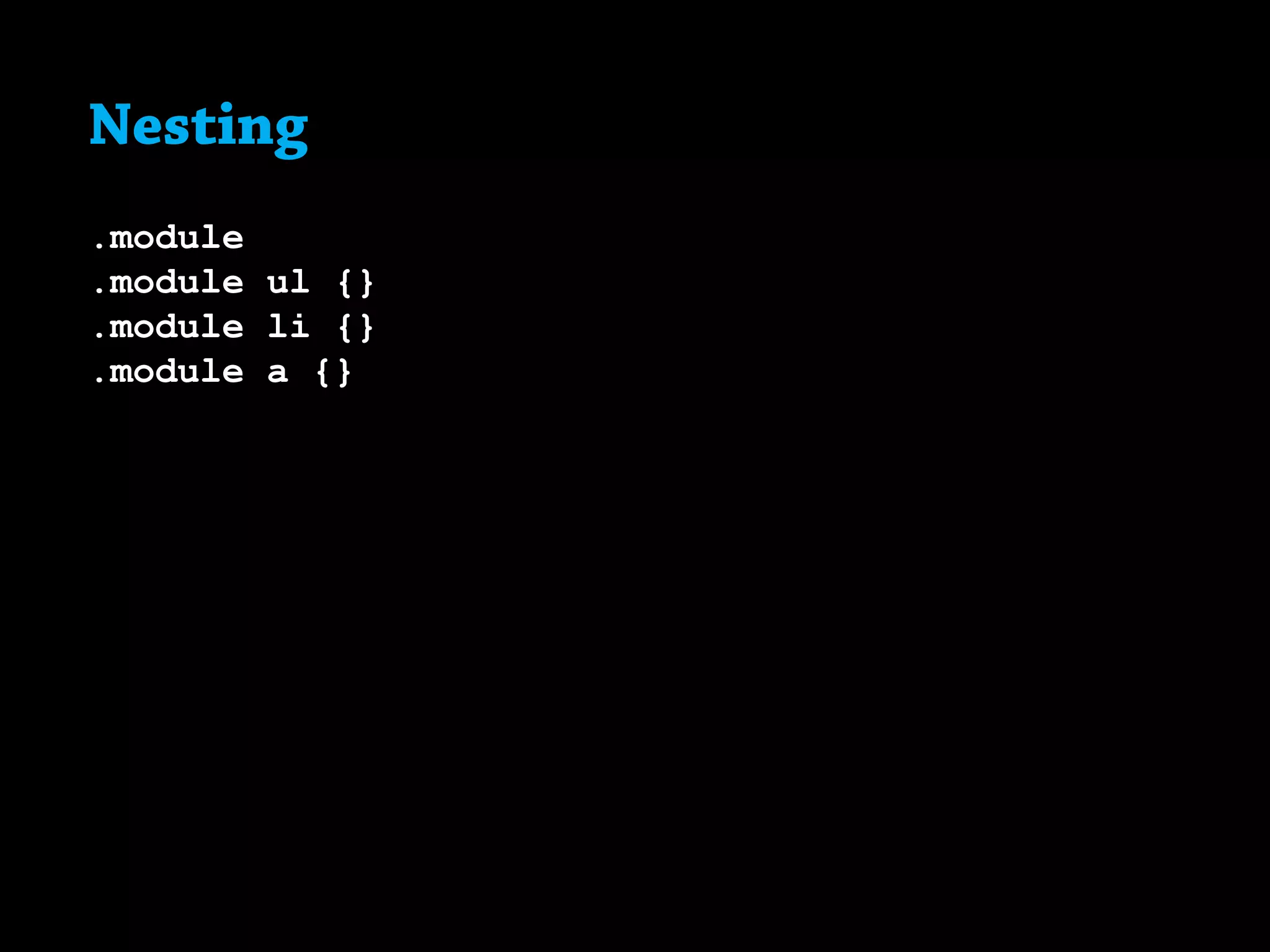
Nesting.
Nesting
.module
.module ul {}
.module li {}
.module a {}
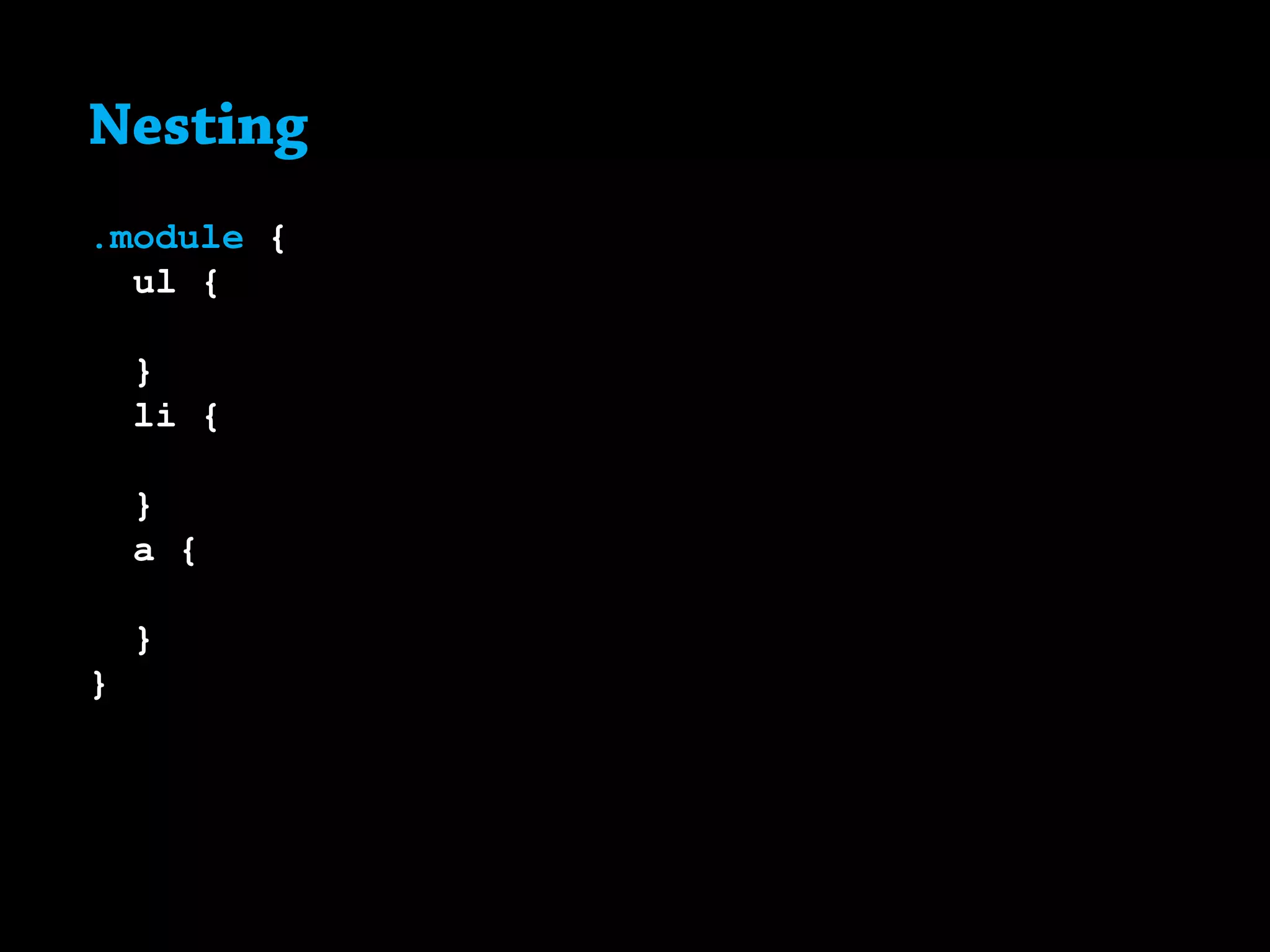
Nesting
.module {
	 ul {
	
	}
	 li {
	
	}
	 a {
	
	}
}
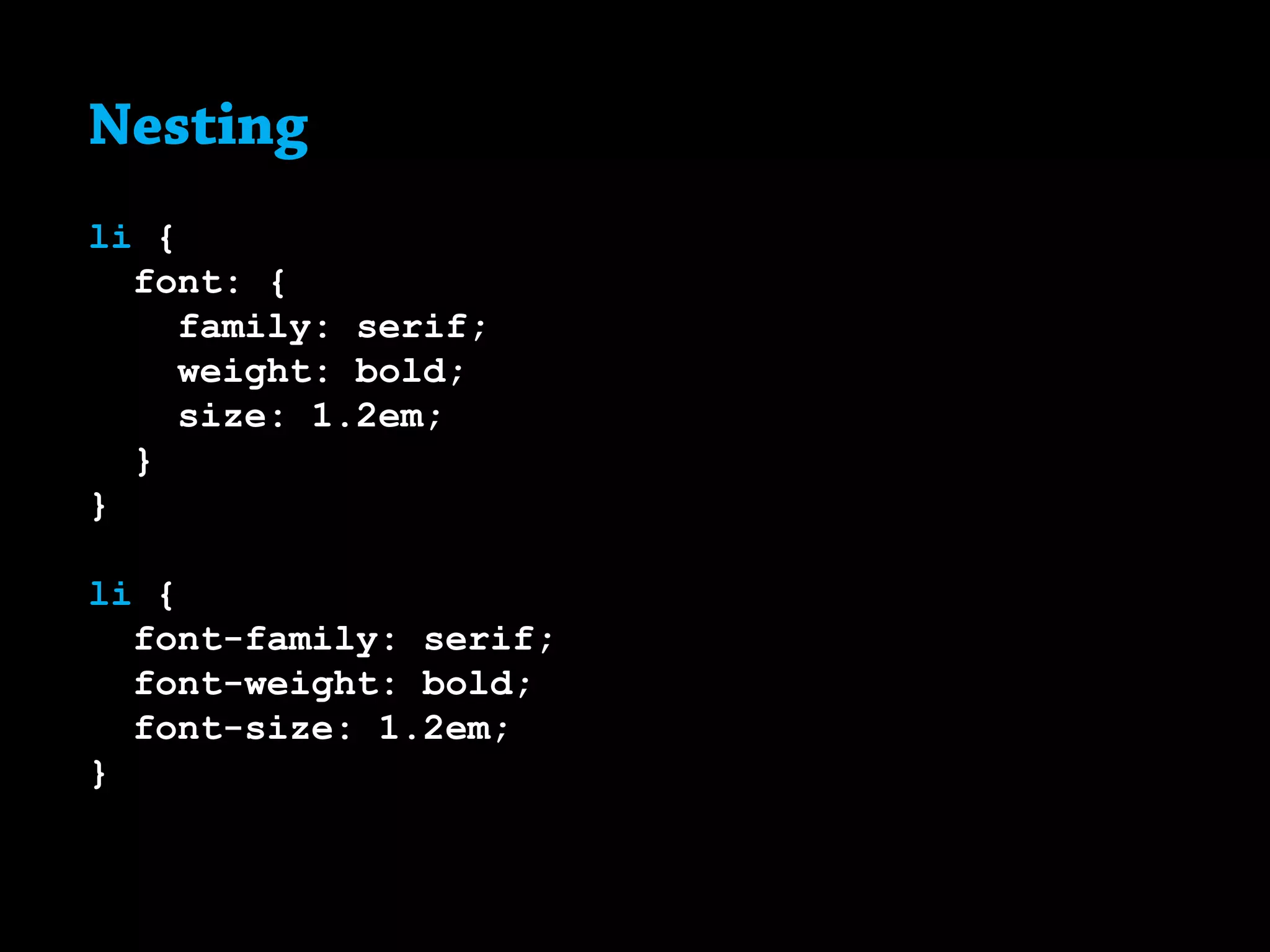
Nesting
li {
font: {
family: serif;
weight: bold;
size: 1.2em;
}
}
li {
font-family: serif;
font-weight: bold;
font-size: 1.2em;
}
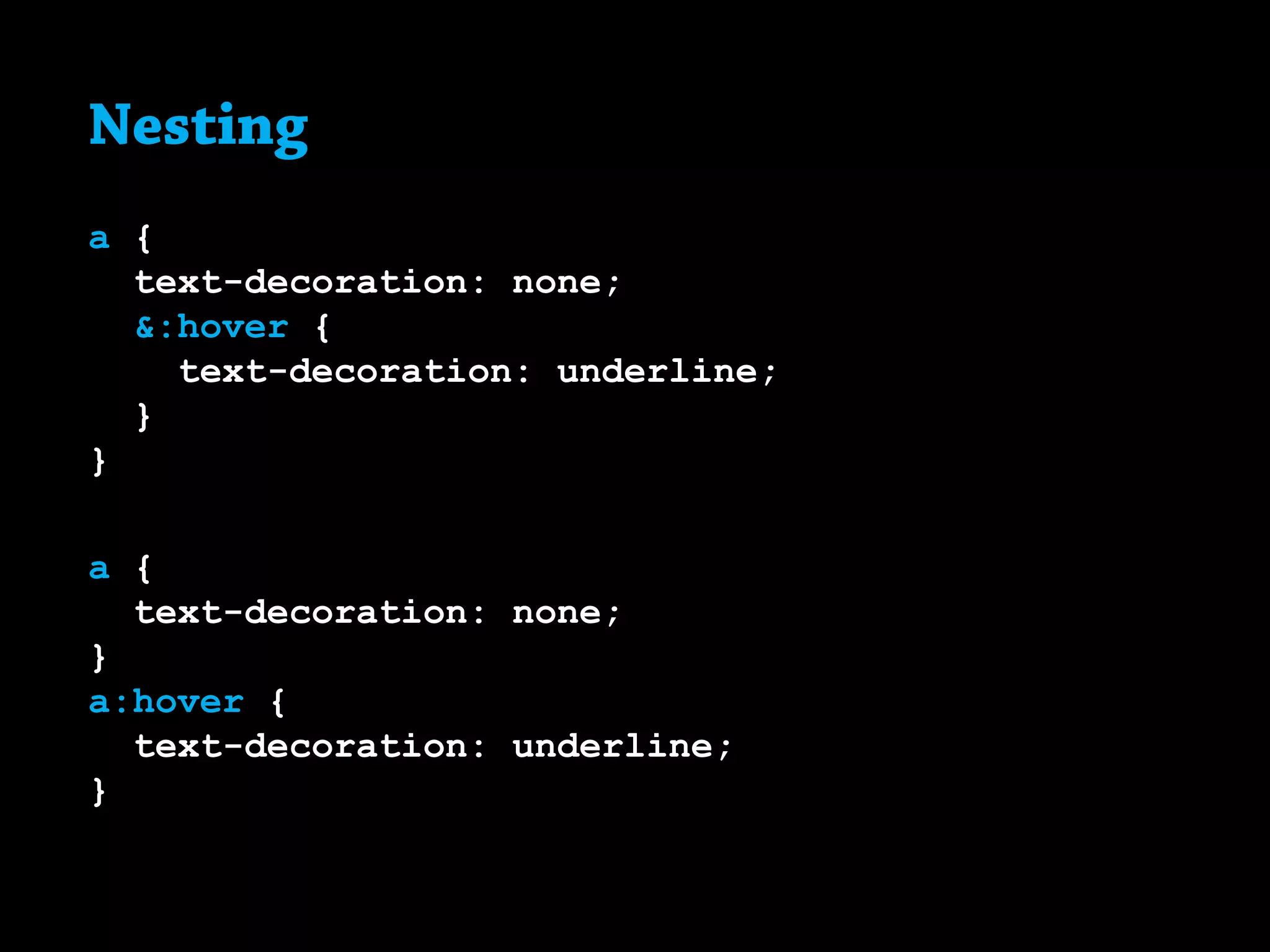
Nesting
a {
	 text-decoration: none;
	 &:hover {
		 text-decoration: underline;
	}
}
a {
	 text-decoration: none;
}
a:hover {
	 text-decoration: underline;
}
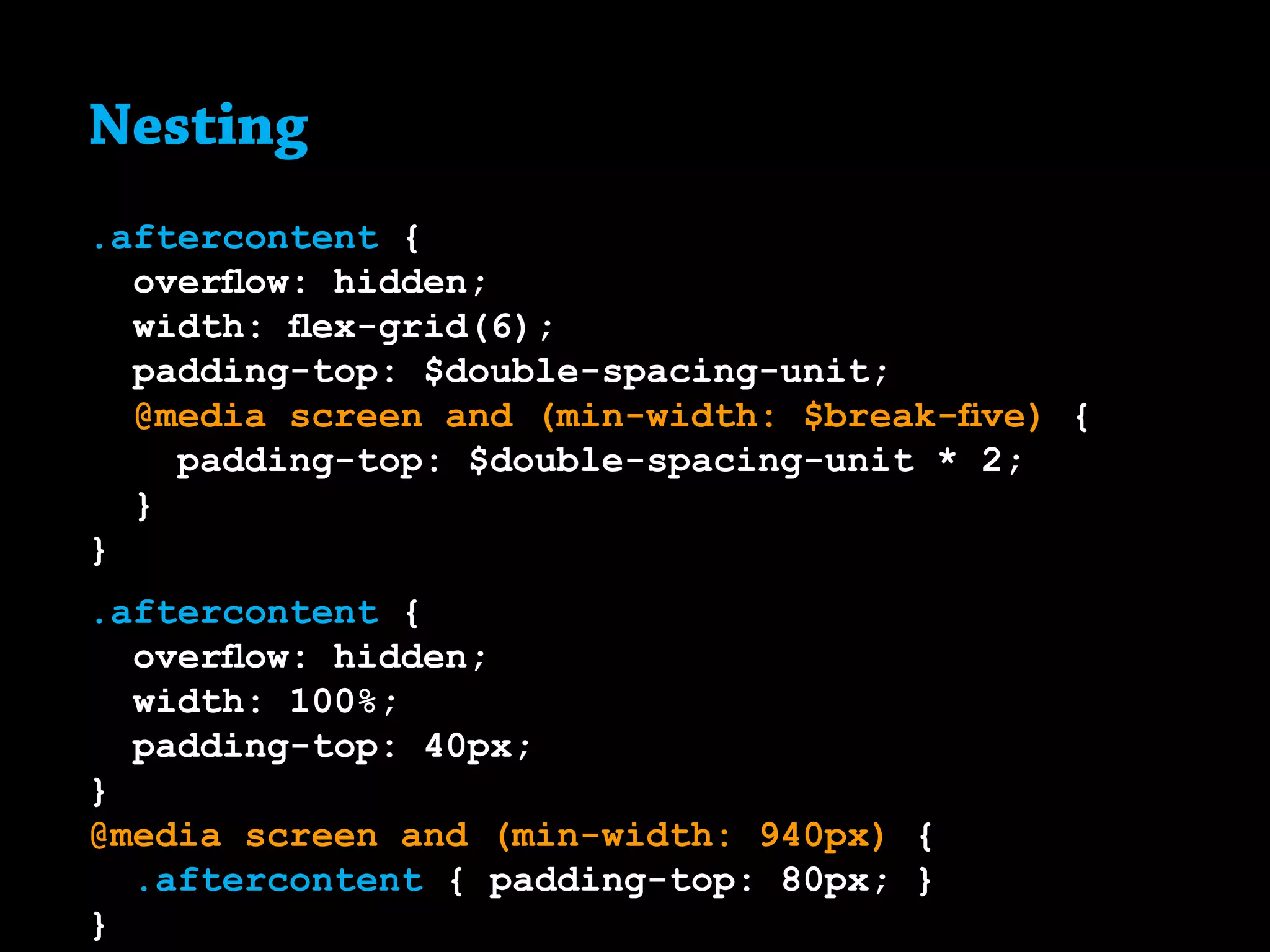
Nesting
.aftercontent {
overflow: hidden;
width: flex-grid(6);
padding-top: $double-spacing-unit;
@media screen and (min-width: $break-five) {
padding-top: $double-spacing-unit * 2;
}
}
.aftercontent {
overflow: hidden;
width: 100%;
padding-top: 40px;
}
@media screen and (min-width: 940px) {
	 .aftercontent { padding-top: 80px; }
}
Mixins.
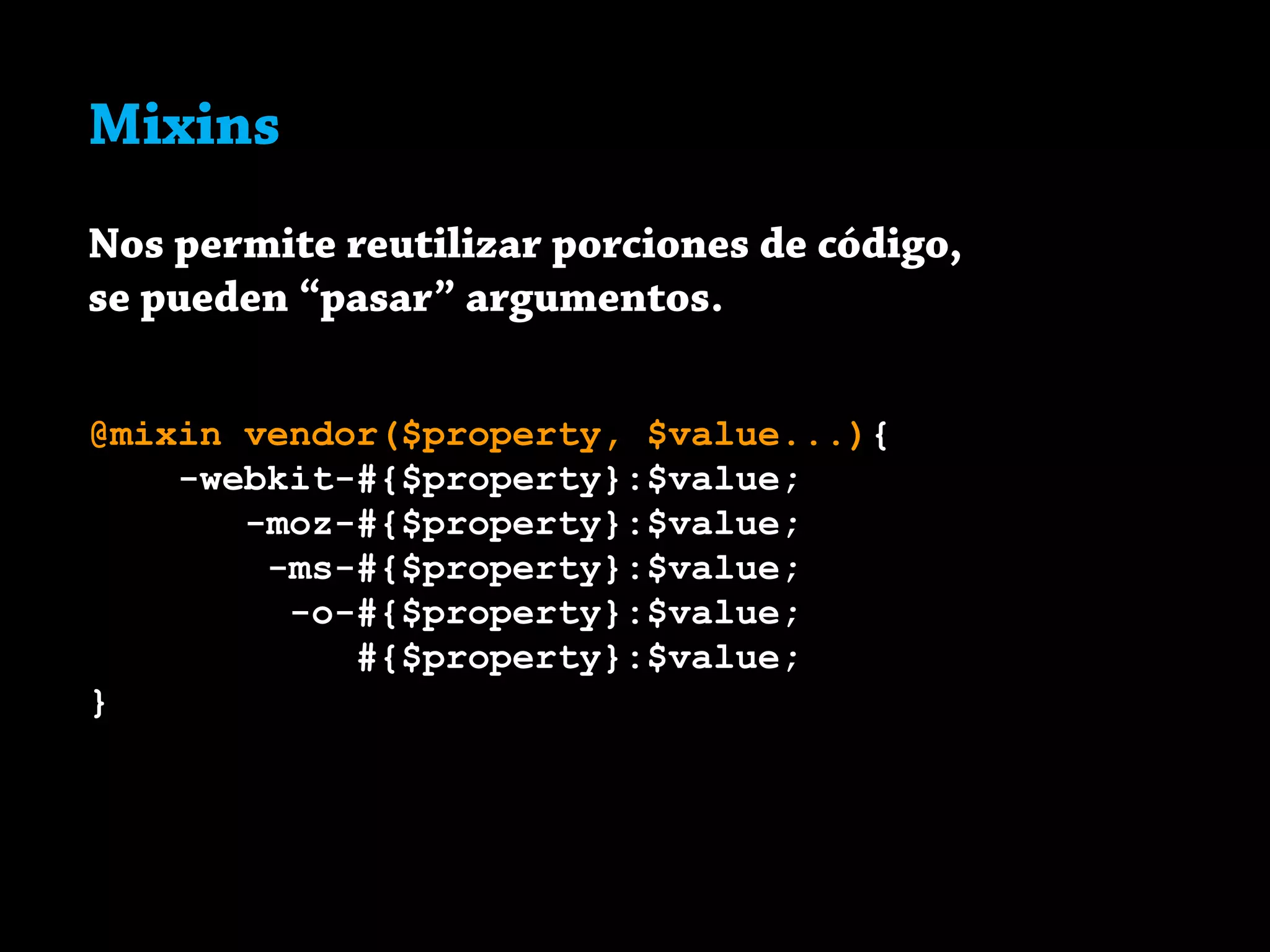
Mixins
Nos permite reutilizar porciones de código,
se pueden “pasar” argumentos.
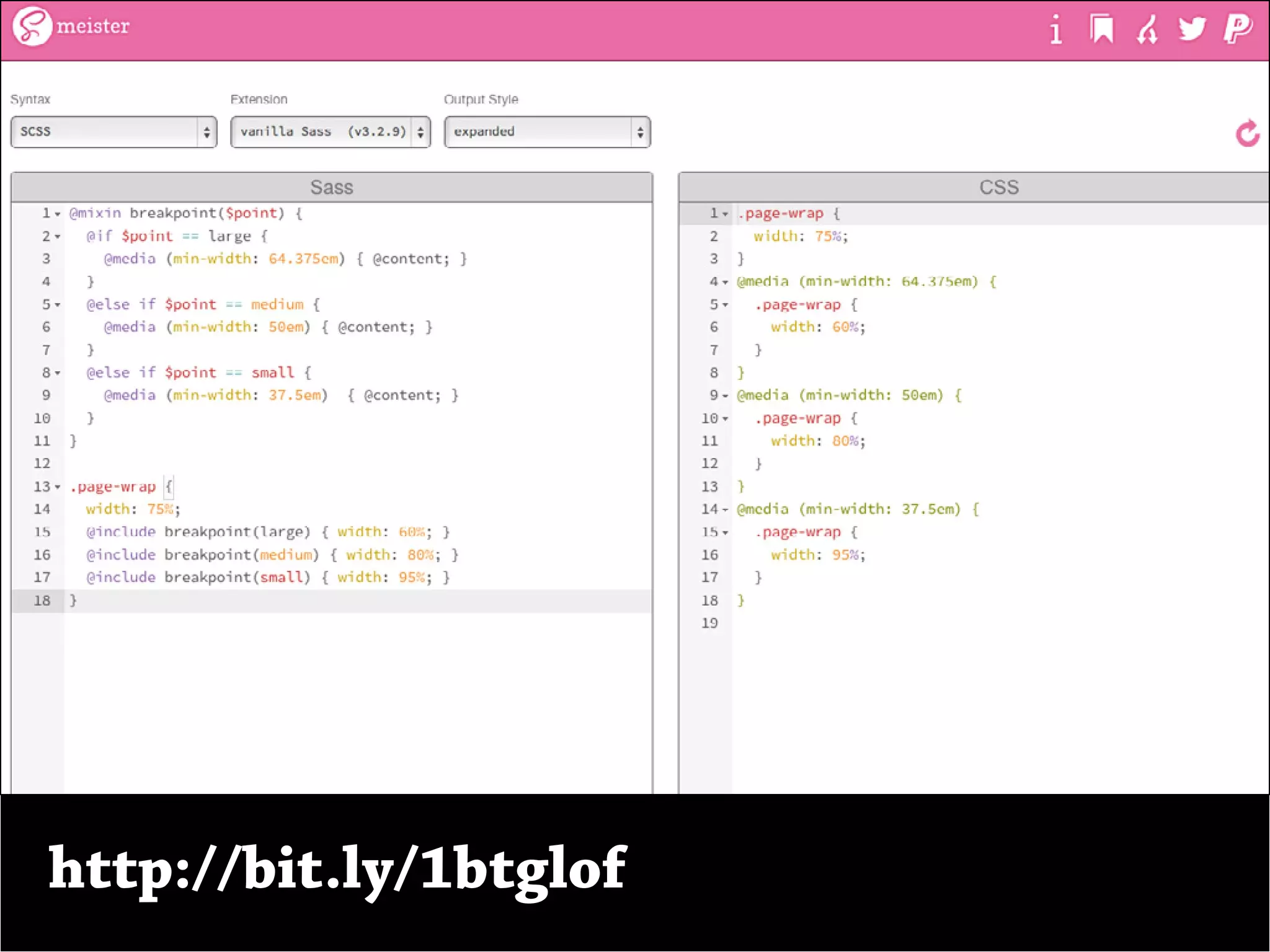
@mixin vendor($property, $value...){
-webkit-#{$property}:$value;
-moz-#{$property}:$value;
-ms-#{$property}:$value;
-o-#{$property}:$value;
#{$property}:$value;
}
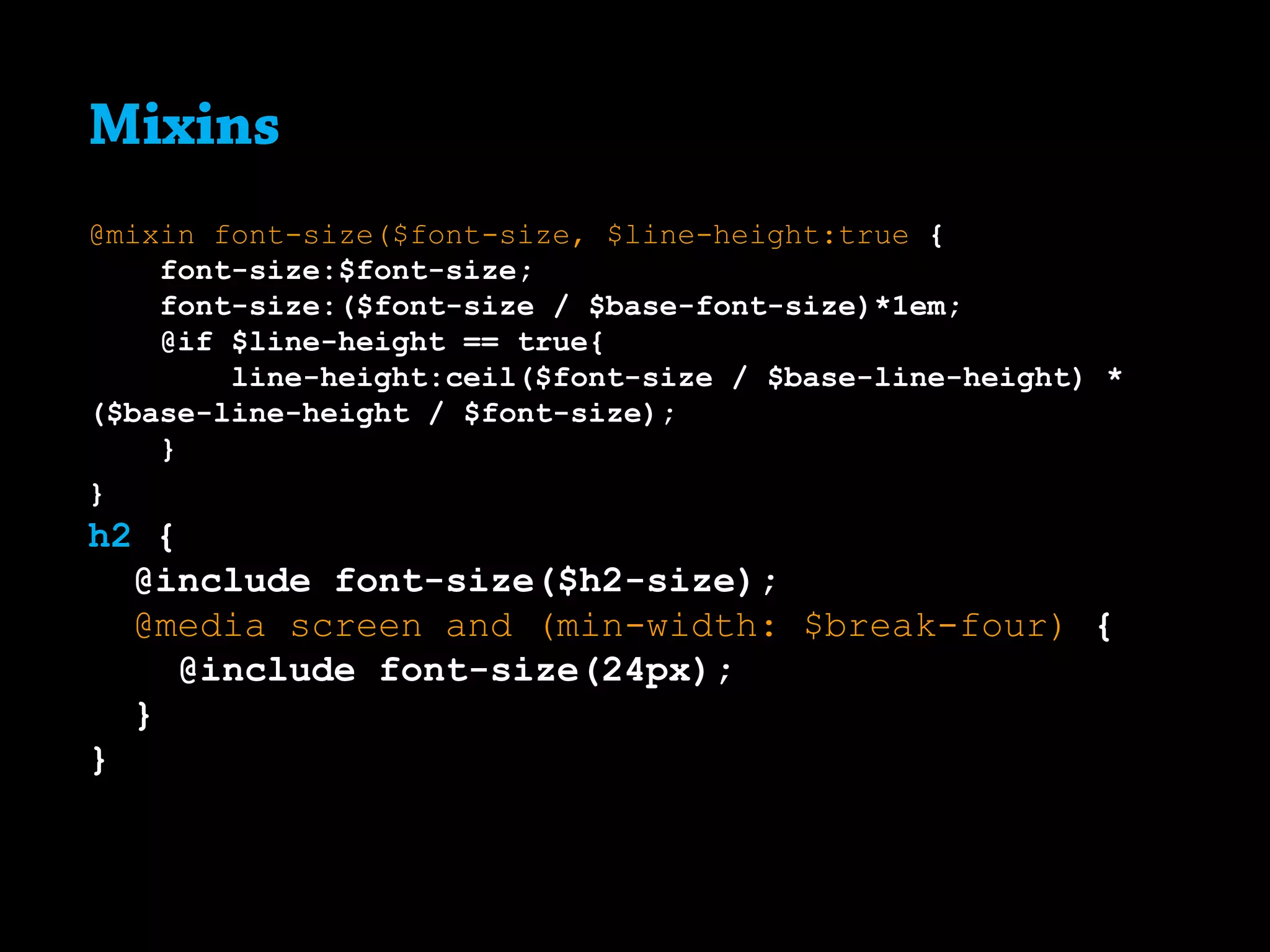
Mixins
@mixin font-size($font-size, $line-height:true {
font-size:$font-size;
font-size:($font-size / $base-font-size)*1em;
@if $line-height == true{
line-height:ceil($font-size / $base-line-height) *
($base-line-height / $font-size);
}
}
h2 {
@include font-size($h2-size);
@media screen and (min-width: $break-four) {
@include font-size(24px);
}
}
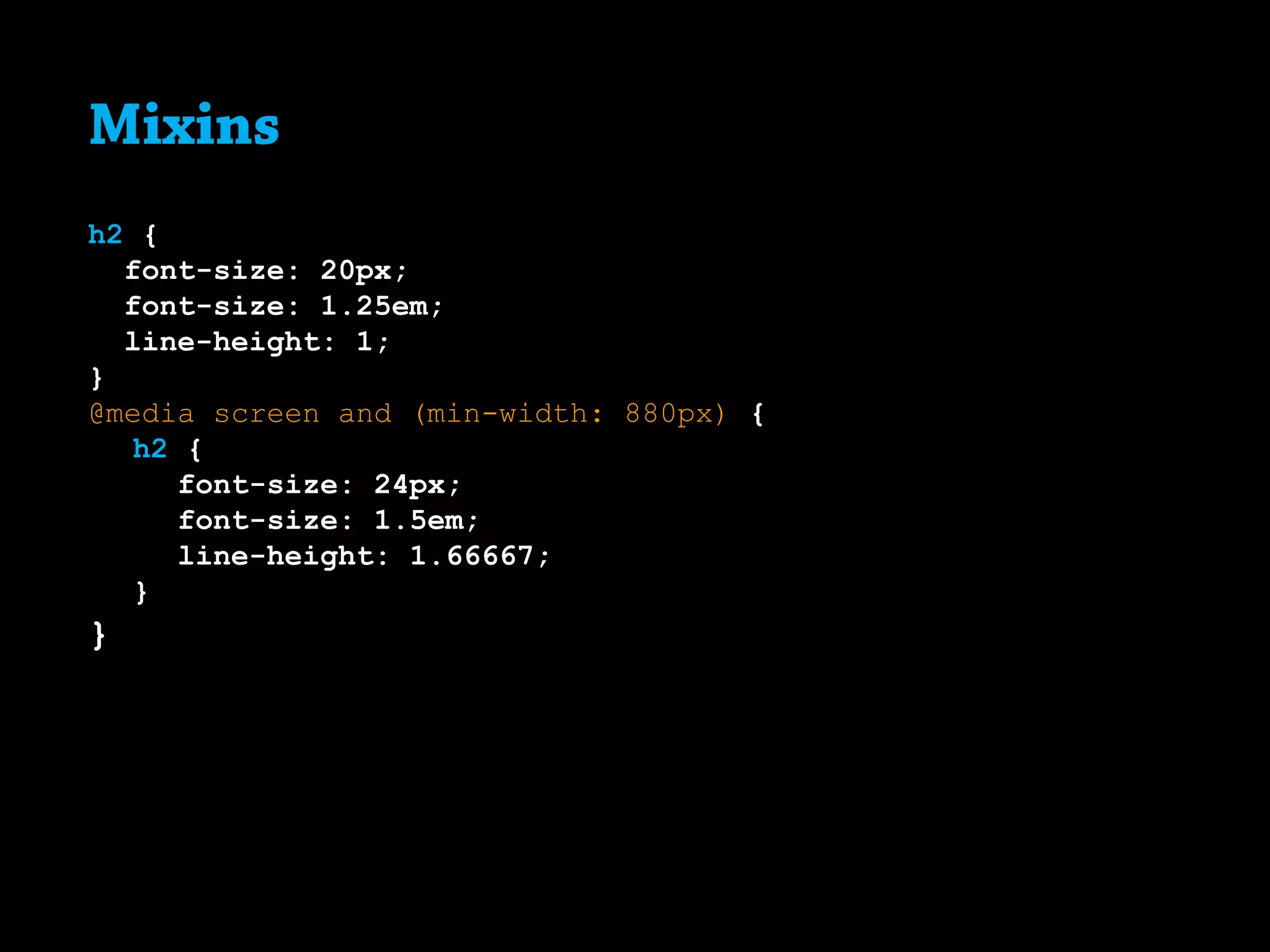
Mixins
h2 {
font-size: 20px;
font-size: 1.25em;
line-height: 1;
}
@media screen and (min-width: 880px) {
	 h2 {
		 font-size: 24px;
		 font-size: 1.5em;
		 line-height: 1.66667;
	}
}
Cuidado!
5
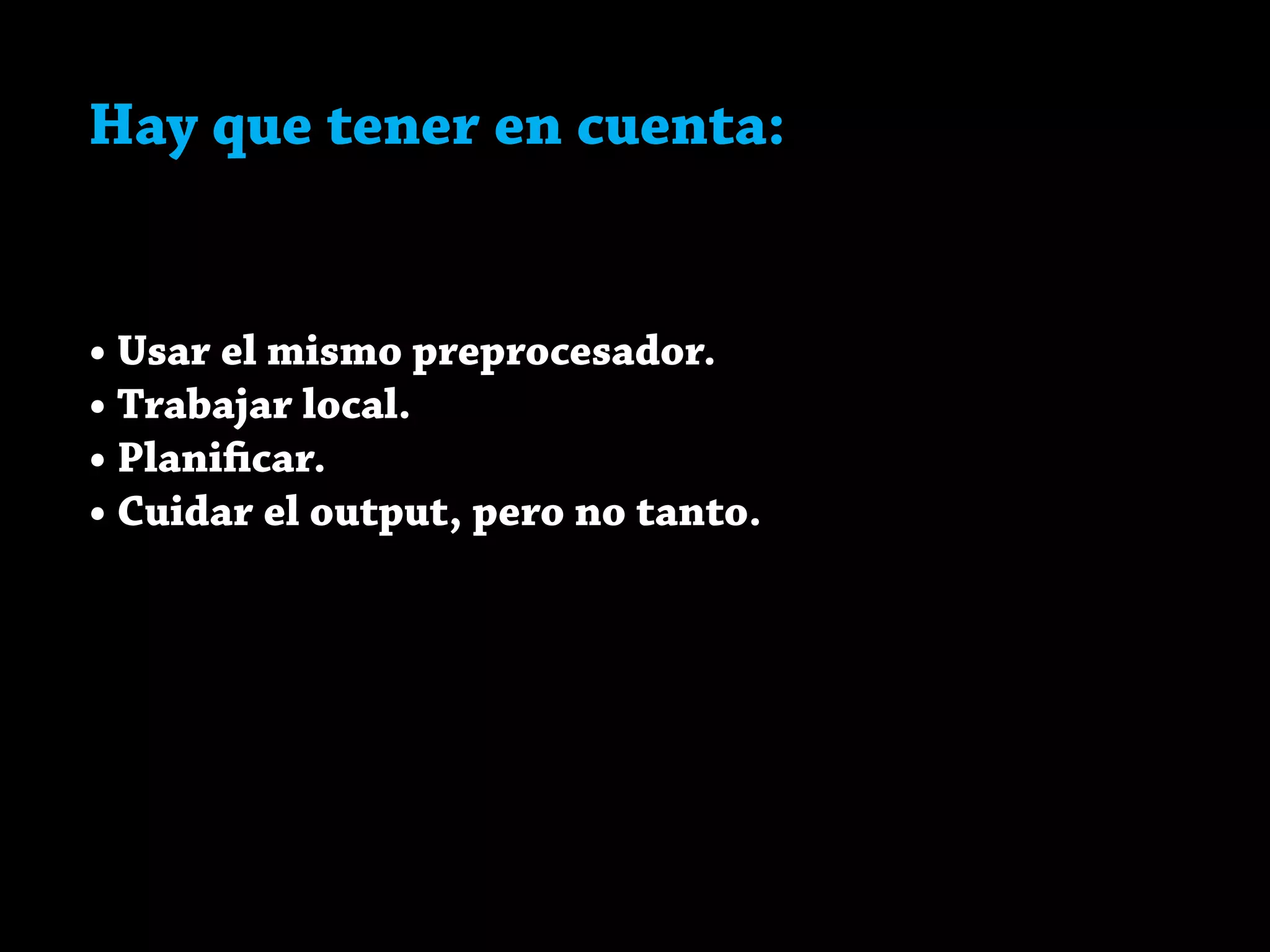
Hay que tener en cuenta:
• Usar el mismo preprocesador.
Hay que tener en cuenta:
• Usar el mismo preprocesador.
• Trabajar local.
Hay que tener en cuenta:
• Usar el mismo preprocesador.
• Trabajar local.
• Planificar.
Hay que tener en cuenta:
• Usar el mismo preprocesador.
• Trabajar local.
• Planificar.
• Cuidar el output, pero no tanto.
Extra
6
http://bit.ly/1btglof
leivajd.com/intro-sass
Más en

Intro a Sass